SQL commands, SELECT, WHERE, ORDER BY, Joins, Subqueries, Functions, DML, DDL, DCL, Transactions, Constraints, and Table Management. (Modules 1 & 2)
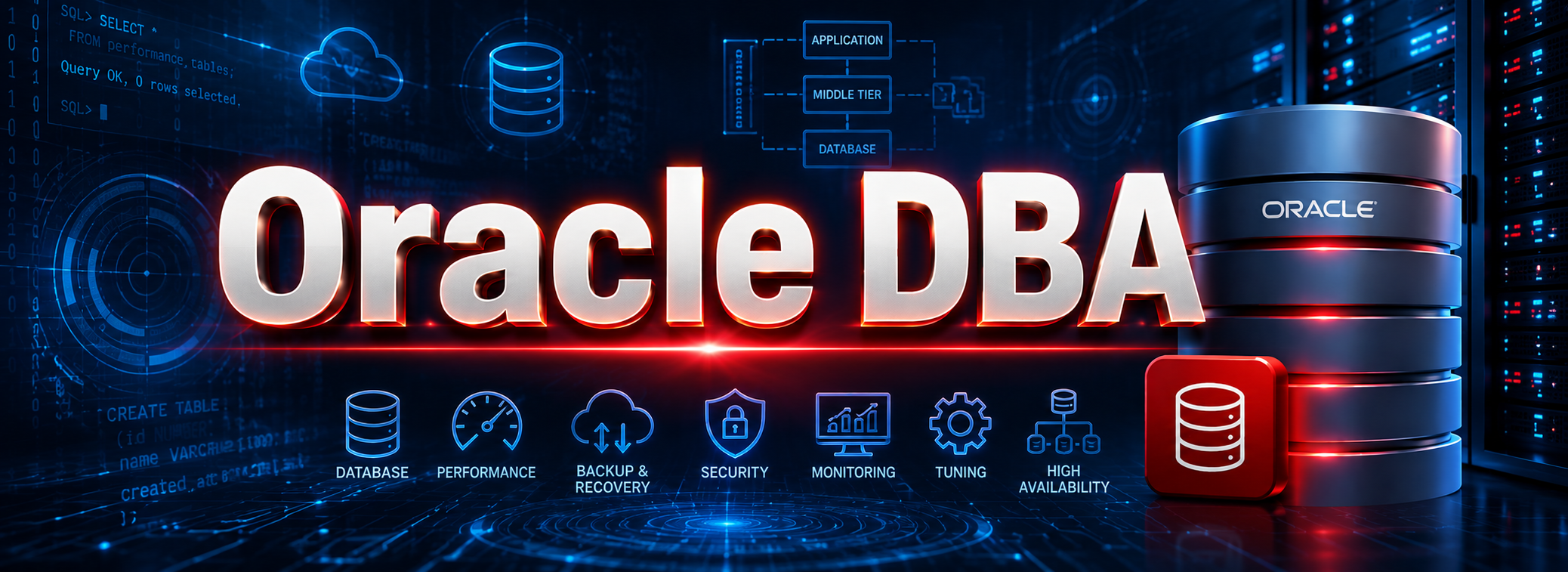


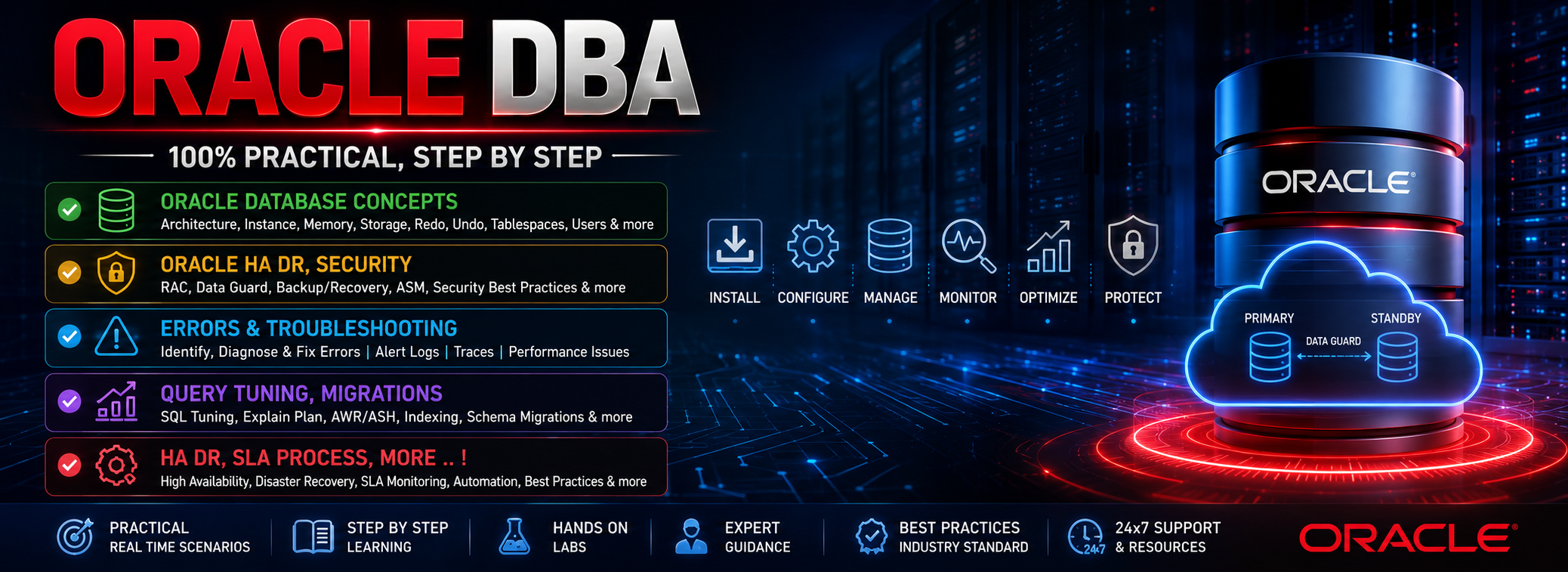
Oracle DBA (Database Administrator) is responsible for managing and maintaining Oracle databases. They ensure data availability, performance, security, and backup/recovery across enterprise systems. This high-demand role offers strong career growth in IT infrastructure and database management.
Training Highlights
✅ Oracle DB Installation, Configuration
✅ Tablespaces, Schema, UAM
✅ RMAN, Data Pump
✅ High Availability, Data Guard
✅ Performance Tuning, OEM
✅ Patching, Upgrades, Migrations
✅ Security, Roles & Access Control
✅ Monitoring, Alerts & Automations
✅ Licensing & Pricing, Resume
✅ 1:1 Mentorship, Interview Guidance
Modules We Learn
✅ Module 1: Oracle Concepts
✅ Module 2: Oracle DBA Level 1
✅ Module 3: Oracle DBA Level 2
✅ Module 4: Oracle DBA Project
Course Duration: 6 Weeks
Module 1: LINUX
Ch 1: Getting Started with UNIX
- UNIX & Architecture
- Login, Logout & Password
- List Files, Users & Directories
- UNIX Shutdown Commands
Ch 2: File Management, VI Editor
- File Creation & Display
- Hidden Files
- Edit Files Using vi Editor
- File Count, Copy, Rename
Ch 3: Directory Management
- Absolute vs Relative Paths
- Create, Copy
- Directories
- Dot (.) and Dot-dot
Ch 4: File Permissions
- File/Dir Access Modes
- r, w, x
- chmod
- chown & chgrp Commands
- Ownership, Permissions
Ch 5: Users Environment
- Create/Modify Users
- Groups
- Profile Files (.bash_profile)
- Set Environment Variables
- Path and Shell Settings
Module 2: Oracle Concepts
Ch 6: SQL Introduction
- SQL Command Types
- SELECT, WHERE, ORDER BY
- DISTINCT, ALIAS
- DUAL Table
- Logical Operators
Ch 7: Single Row Functions
- Character & Numeric
- Date & Conversion Functions
- Nested Functions
- Using GROUP Functions
Ch 8: Joins & Subqueries
- INNER, OUTER, SELF Joins
- Table Aliases
- Single/Multiple Row
- Nested Queries Usage
Ch 9: Transaction Controls
- INSERT, UPDATE.
- COMMIT & ROLLBACK
- SAVEPOINT & Restore
- Data Validation
Ch 10: Tables & Constraints
- Create, Alter, Drop Table
- Add/Remove/Hide Columns
- Constraint Types & Syntax
- Table Renaming
- READ ONLY Mod
Module 3: Oracle DBA- Level 1
Ch 11: Intro to Oracle DBA
- What is a Database?
- DBA Roles & Tools
- Oracle Product Overview
- Database Types
- Database Vendors
Ch 12: Oracle Instance Arche
- SGA Architecture
- PGA Architecture
- Process Architecture
- Logical vs Physical Storage
- Control, Redo, Data Files
Ch 13: Software Installation
- 12cR1 & 12cR2 Installation
- DBCA GUI & Manual Creation
- Database Layout
- Patch Set Prerequisites
Ch 14: Startup, Shutdown
- Startup/Shutdown Modes
- Initialization Parameter Files
- System & Session Parameters
- Using V$ & DBA_ Views
Ch 15: Security Management
- Common & Local Users
- Roles & Privileges
- Profiles & Password Policies
- Session Management
Ch 16: Tablespace & Datafiles
- Tablespaces
- Resize Datafiles
- Segment Management
- Extent Management
Ch 17: Undo Tablespace
- Create & Manage Undo
- Assign Undo Tablespace
- Transaction Undo Usage
- Views for Undo Monitoring
Ch 18: Temporary Tablespace
- Create & Resize Temp Files
- Temp Tablespace Groups
- Views for Temp Usage
- Best Practices
Ch 19: Control Files
- Purpose of Control Files
- Multiplexing Control Files
- Backup Control Files
- V$CONTROLFILE View
Ch 20: Redo Logs & FRA
- Redo & Archive Logs
- Archive Mode Setup
- Fast Recovery Area (FRA)
- Redo Log Views
Ch 21: Oracle Net Services
- Oracle Listener Setup
- netca & netmgr Utilities
- Dedicated vs Shared Server
- TNS_ADMIN Configuration
Ch 22: Database Links
- DB Link Overview
- Private vs Public Links
- Create & Drop Links
- Use Cases for DB Links
Ch 23: Logical Backups
- Data Pumps
- expdp & impdp Basics
- Table/Schema/DB Export
- Metadata Packages
Ch 24: RMAN Backup & Restore
- RMAN Concepts
- Configuration
- Full & Incremental Backups
- Catalog Usage
Ch 25: Flashbacks & Restore
- Flashback Modes & Prereqs
- Restore Point Setup
- Flashback Table/DB
- Use Cases
Ch 26: RMAN Duplicate Cloning
- Cloning Types
- Clone Oracle Home
- Duplicate Command
- Considerations & Cleanup
Ch 27: Data Guard
- Physical & Logical Standby
- Data Guard Architecture
- SQL & RMAN for DG Setup
- Realtime Monitoring
Ch 28: Performance Tuning
- Memory Structure Sizing
- Wait Events
- Session Tracing
- Index Monitoring
- AWR Reports & Stats
Ch 29: Oracle Patching
- Versioning
- Patch Types
- Applying PSU & SPU
- OPatch Utility
- Upgrade Patch Strategy
Module 4: Oracle DBA Level 2
Ch30: Real world life of an Oracle DBA – 1
- Type of Oracle errors & valid errors and internal
- exceptions (ORA-00600 & ORA-07445 errors)
- How to work with Oracle Support
Chapter 31: Real world life of an Oracle DBA – 2
- Parlance and terminology used by Oracle DBAs
- Productivity tools required when you join the work
- Scheduling JOBS and scripts through UNIX/LINUX crontab utility
- Oracle DBAAS (Database as a Service)
Chapter 32: Real world life of an Oracle DBA – 3
- Navigate with My Services
- Oracle 21c ASM (Automatic Storage Management)
- Oracle 21c Database High Availability (RAC, Data Guard)
- How do I schedule a crontab in Unix?
Chapter 33: Real world life of an Oracle DBA – 4
- How do I schedule a cron job in Linux?
- How do I schedule a crontab script?
- What is the use of crontab command in Unix?
- What are the types of cloud computing solutions for database as a service DBaaS?
Module 5: Oracle DBA Project
👉🏻 Realtime Project
👉🏻 Resume
👉🏻 Mock Interviews
What is the Oracle DBA Training?
This course teaches complete Oracle Database Administration including Installation, Configuration, SQL Basics, Architecture, Backup/Recovery, RMAN, Data Guard, Performance Tuning, UNIX, and Real-Time DBA Operations.
Who can join the Oracle DBA course?
Anyone interested in database careers — freshers, support engineers, SQL developers, or IT professionals. No experience is required as the course starts from basic Database and UNIX fundamentals.
What system requirements are needed for practice?
Windows or Linux OS, 6GB RAM, and any modern processor. Oracle Installation (19c or latest), SQL Developer setup, and Linux tools are fully guided in the course.
Do you teach UNIX/Linux as part of DBA training?
Yes. Logging in/out, file management, directory commands, VI editor, file permissions, user management, environment variables, shell paths, and basic scripting. (Module 1)
Will I learn Oracle architecture in this course?
Yes. SGA, PGA, Process Architecture, Logical & Physical Storage, Control Files, Redo Logs, Data Files, and database structure.
Does this course include Oracle installation?
Yes. Software installation, DBCA (GUI/manual), database layout, prerequisites, and patching steps are covered.
Do you teach Startup & Shutdown procedures?
Yes. All startup/shutdown modes, parameter files, system/session parameters, and V$ & DBA views for monitoring are included.
Will I learn Oracle User, Role & Security Management?
Yes. Local & common users, profiles, password policies, sessions, and privileges are included.
Do you teach Tablespaces and Storage Management?
Yes. Tablespace creation, resizing datafiles, segments, extents, Undo tablespace, Temp tablespace, and monitoring views.
What backup and recovery topics are covered?
Data Pump (expdp/impdp), table/schema/DB export, RMAN concepts, RMAN backups, incremental backups, recovery catalog, flashback types, and restore scenarios.
Will I learn Redo Logs, Archive Logs & FRA?
Yes. Archive mode setup, redo management, FRA storage, and redo monitoring views.
Do you teach Oracle Networking and Listener Configuration?
Yes. Listener setup, netca/netmgr usage, TNS configuration, dedicated/shared server concepts.
Are Database Links covered in this training?
Yes. Private & public DB links, creation, usage, and real-time use cases.
Does the course include RMAN Cloning & Duplication?
Yes. Cloning types, duplicate command usage, home cloning, considerations, and cleanup steps.
Is Data Guard part of the curriculum?
Yes. Physical & logical standby, Data Guard Architecture, SQL & RMAN configurations, and real-time DG monitoring.
Will I learn Performance Tuning in this training?
Yes. SGA/PGA sizing, wait events, session tracing, index monitoring, AWR reports, statistics, and tuning best practices.
Do you cover Oracle Patching and Upgrades?
Yes. Patch types, PSU/SPU updates, OPatch utility, patch strategies, and versioning concepts.
Are Real-Time DBA activities taught?
Yes. ORA errors, working with Oracle Support, cron job scheduling, productivity tools, RAC, Data Guard High Availability, DBaaS, and cloud operations.
What training modes are available?
Live Online Training, Self-Paced Videos, Resume Building, Real-Time Project, and Mock Interviews.
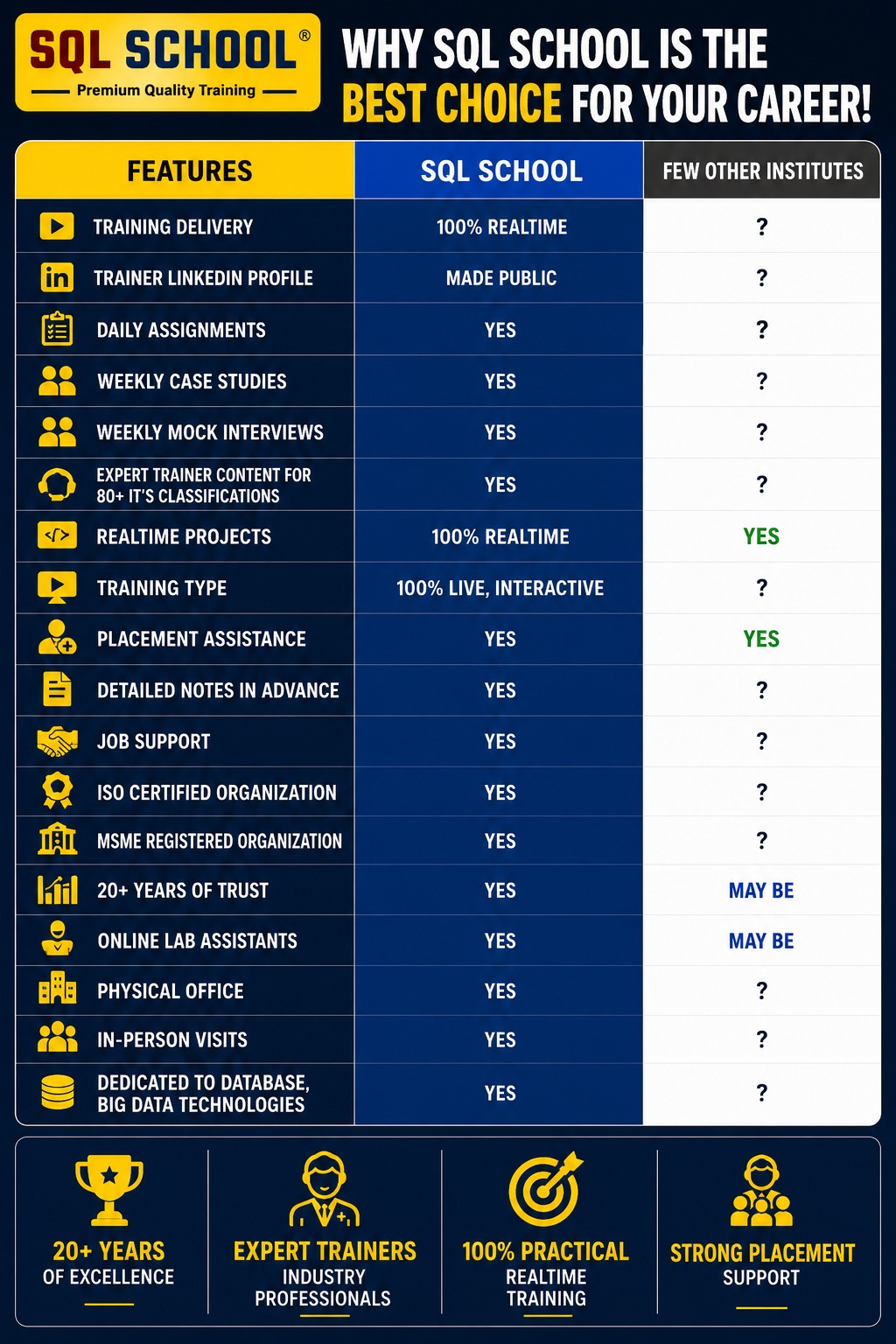
SQL SCHOOL vs Other Institutes
Why Choose SQL School
- 100% Real-Time and Practical
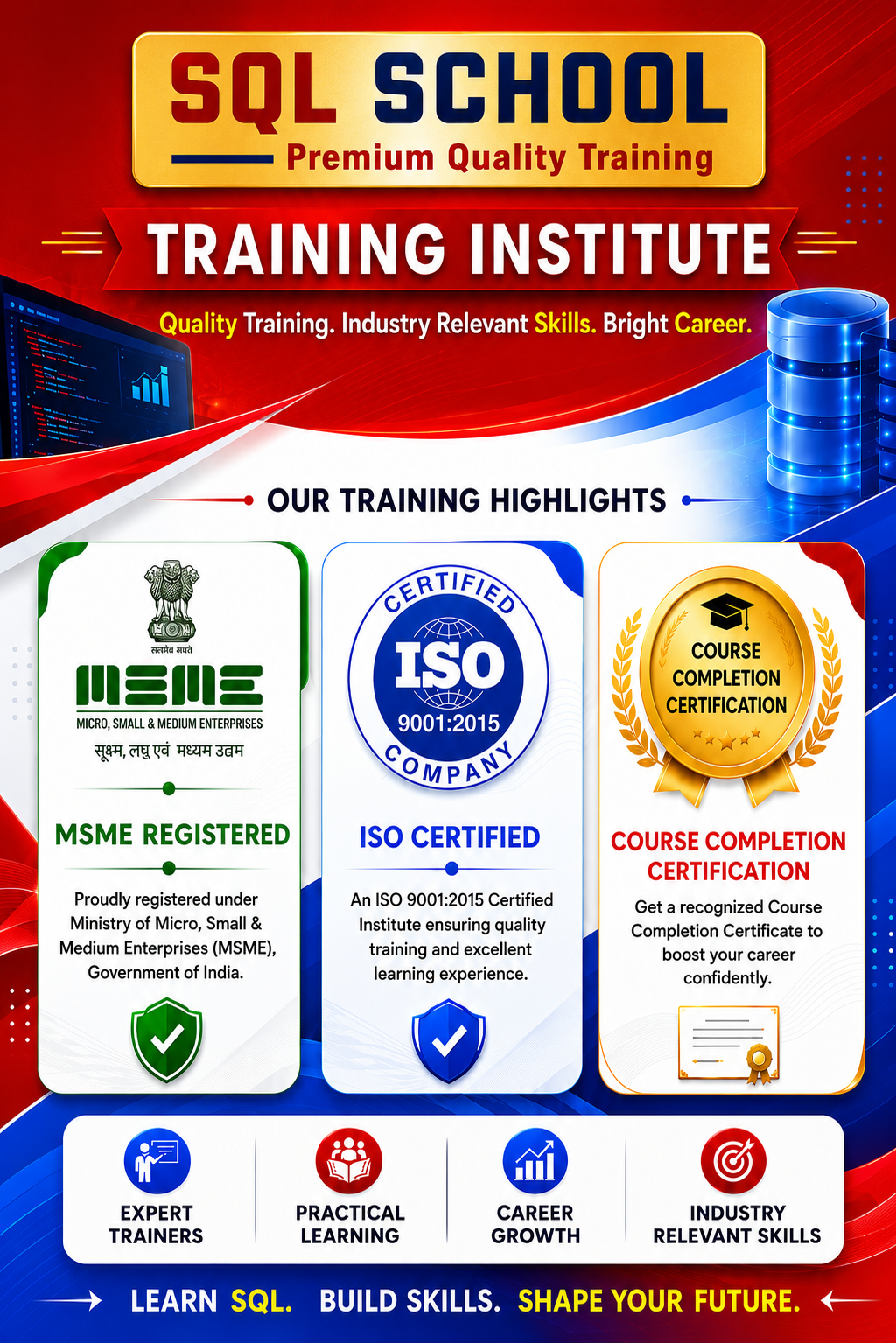
- ISO 9001:2008 Certified
- Concept wise FAQs
- TWO Real-time Case Studies, One Project
- Weekly Mock Interviews
- 24/7 LIVE Server Access

- Realtime Project FAQs
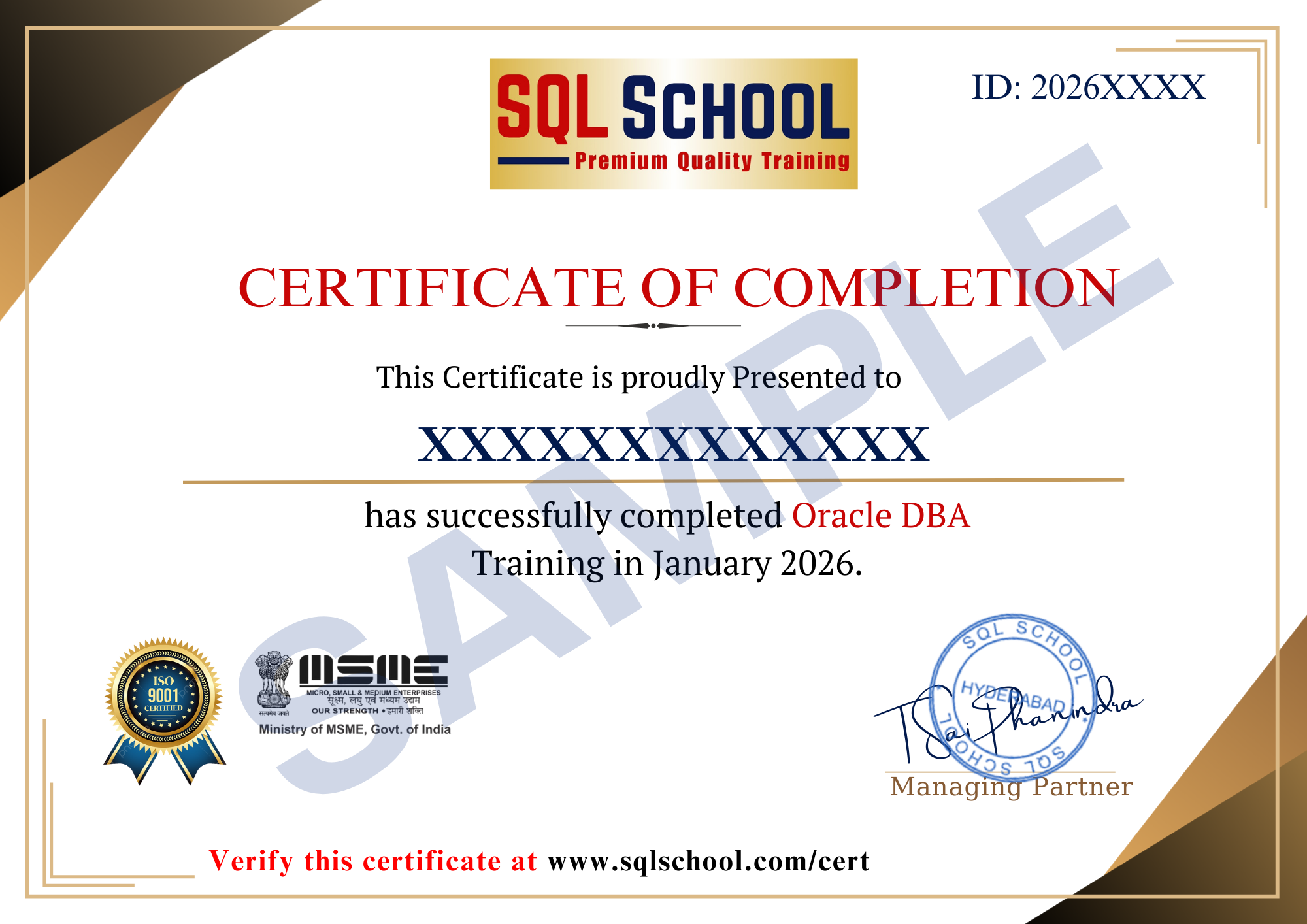
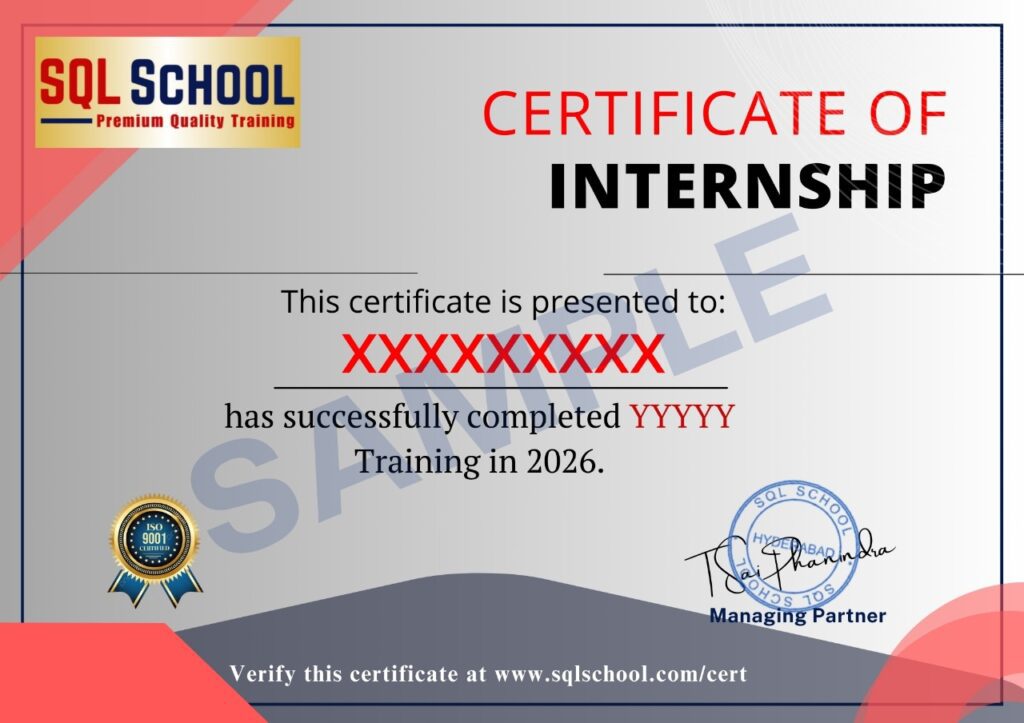
- Course Completion Certificate
- Placement Assistance
- Job Support
- Realtime Project Solution
- MS Certification Guidance