senior dataanalyst
Senior data analyst


Training Highlights
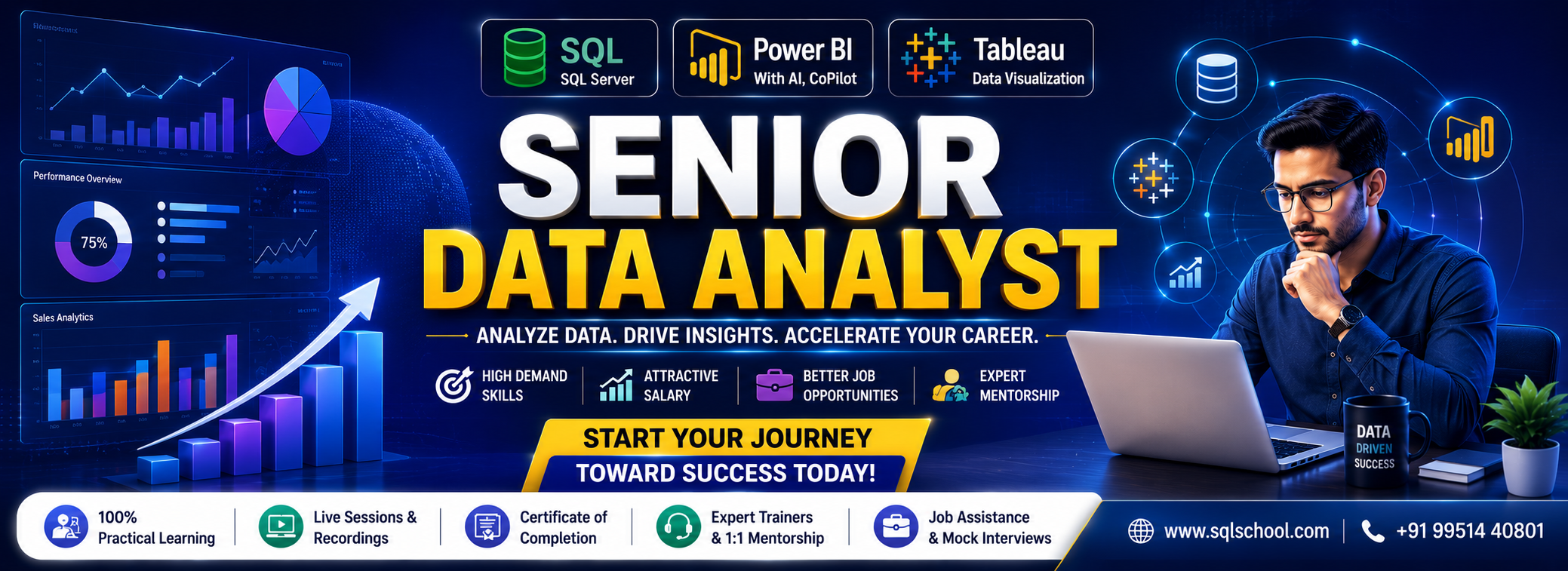
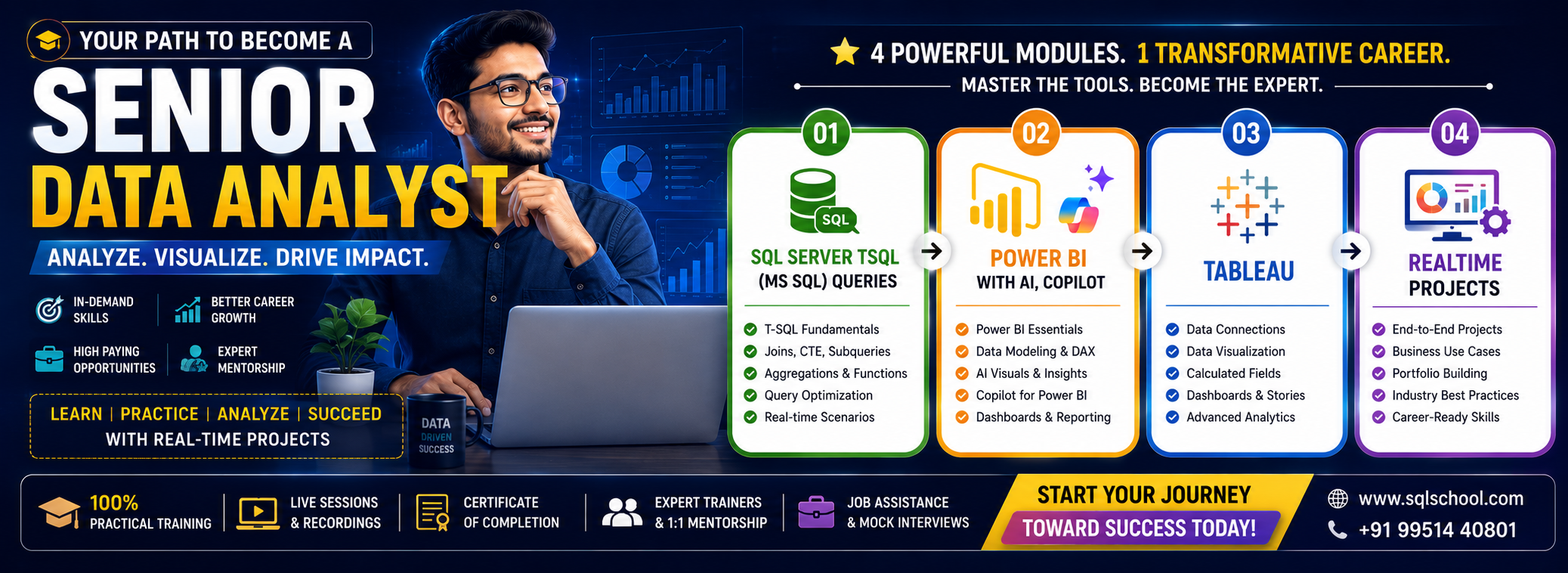
✅ SQL Server (T-SQL) from Beginner to Advanced
✅ Power BI with AI & Microsoft Copilot
✅ Tableau Desktop & Tableau Server
✅ 1:1 Expert Mentorship
✅ Mock Interviews & Interview Guidance
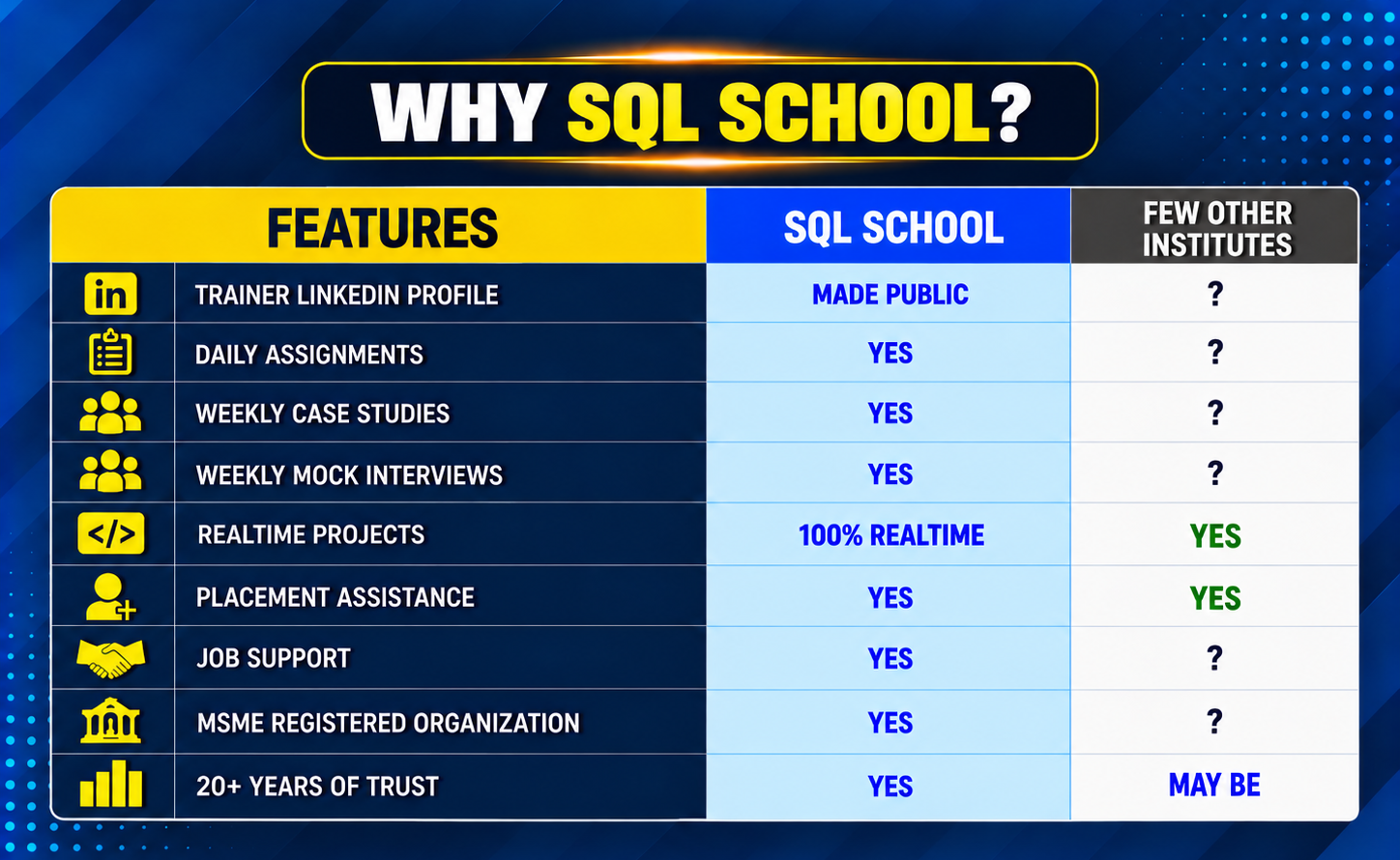
✅ Job Assistance & Placement Support
✅ 1 End-to-End Enterprise Projects
Modules We Learn
✅ Module 1: MSSQL, Tuning
✅ Module 2: Power BI
✅ Module 3: Python (Analytics)
✅ Module 4: Advanced Excel
✅ Module 5: AI, CoPilot
✅ Module 6: Tableau
✅ Module 7: Realtime Projects
Course Duration: 4.5 Months
Ch 1: SQL Database Job Roles
Ch 2: Database Intro & Installations
Ch 3: SQL Basics V1 (Commands)
Ch 4: SQL Basics V2 (Commands, Operators)
Ch 5: Data Types & Variables
Ch 6: Data Imports
Ch 7: Schemas & Batches
Ch 8: Constraints, Keys & RDBMS
Ch 9: Normal Forms & RDBMS
Ch 10: Joins & Queries
Ch 11: Sub Queries
Ch 12: Group By Queries
Ch 13: Joins with Group By, Sub Queries
Ch 14: Views & RLS
Ch 15: Functions & Queries
Ch 16: Advanced SQL & Window Functions
Ch 17: Stored Procedures – 1
Ch 18: Stored Procedures – 2
Ch 19: Triggers & Automations
Ch 20: Transactions & ACID
Ch 21: SQL Query Performance & Indexing
Ch 22: CTEs & Tuning
Ch 23: Temp Tables & Query Techniques
Ch 24: Bonus / Advanced Module: SQL Server Internals
Real-Time Project on HealthCare Domain
Project Requirement:
Solve 20+ Real-World Healthcare Business Requirements.
Project Workflow:
Database Design → SQL Development → Data Analysis → Performance Optimization
Project Operational Flow:
Healthcare DB → Patients → Doctors → Appointments → Treatments → Billing → Insurance → SQL
Analysis → Stored Procedures → Performance Tuning → Business Reports
Business Requirements:
Monthly Hospital Revenue, Top Doctors By Patients Treated, Repeat Patients, Department
Performance, Average Treatment Cost, Unpaid Bills, Insurance Claim Analysis, Patient Trends,
Month-Over-Month Revenue And Top Procedures…
Ch 1: Power BI Intro, Installation
Ch 2: Report Design Concepts
Ch 3: Grouping, Hierarchies
Ch 4: Slicer & Visual Sync
Ch 5: Filters & Drill Thru
Ch 6: Bookmarks, Buttons
Ch 7: SQL DB Access & Big Data
Ch 8: Power BI Visualizations
Ch 9: Power Query Transformations – 1
Ch 10: Power Query Transformations – 2
Ch 11: Power Query Transformations – 3
Ch 12: Power Query Transformations – 4
Ch 13: Power BI Cloud & Fabric
Ch 14: Power BI Cloud Dashboards
Ch 15: Power BI Cloud Operations
Ch 16: Power BI Cloud Gateways
Ch 17: Power BI Cloud Apps
Ch 18: Power BI Report Server, RDL
Ch 19: DAX Concepts & Calculations
Ch 20: DAX Quick Measures
Ch 21: Data Modelling
Ch 22: DAX Joins, Variables
Ch 23: DAX Models & Calculations
Ch 24: DAX Time Intelligence
Ch 25: DAX – Row Level Security
Ch 26: DAX – Analytical Reports
Ch 27: PL 300 Exam Guidance
Realtime Project: Enterprise Healthcare Data & Analytics Platform
Project Objective
Design and implement a modern Healthcare Data Platform using Power BI Analytics and Reporting services
to process patient, hospital, clinical, and operational data for reporting, analytics, and decision-making.
Technologies Used
Learning Outcomes
After completing this project, you can confidently showcase experience in:
Ch 1: Python Introduction
Ch 2: Python Installations
Ch 3: Python Print Statement
Ch 4: Python Variables
Ch 5: Python Operators
Ch 6: Python Data Types
Ch 7: Python Lists
Ch 8: Python Dictionaries
Ch 9: Python Tuples
Ch 10: Python IF..ELSE Condition
Ch 11: Python Loops
Ch 12: Python Dataframes
Ch 13: Python SQL DB Access
Ch 14: Dataframe Transformations – 1
Ch 15: Dataframe Transformations – 2
Ch 16: Dataframe Transformations – 3
Ch 17: Python Functions & Lambda
Ch 1: Excel Concepts, Basic Functions
Ch 2: Formatting and Proofing
Ch 3: Functions
Ch 4: Protecting Excel
Ch 5: Text Functions
Ch 6: Date & Time Functions
Ch 7: Adv. Techniques
Ch 8: New in Excel & 365
Ch 9: New in Excel & 365
Ch 10: Printing Workbooks
Ch 11: Sorting and Filtering
Ch 12: What If Analysis
Ch 13: Logical Functions
Ch 14: Data Validation
Ch 15: Lookup Functions
Ch 16: Pivot Tables – 1
Ch 17: Pivot Tables – 2
Ch 18: Excel Dashboard
Ch 19: VBA Macro – Level 1
Ch 20: VBA Macro – Level 2
Ch 21: Statistics For Data Analysis – 1
Ch 22: Statistics For Data Analysis – 2
Ch 1: Copilot Introduction
Ch 2: Copilot Architecture
Ch 3: Building Prompts
Ch 4: Copilot in Power BI Desktop
Ch 5: Copilot in Power Query
Ch 6: Copilot in Power BI Cloud
Ch 7: Copilot in DAX
Ch 8: Analytical Reports & AI – 1
Ch 9: Analytical Reports & AI – 2
CH 1: TABLEAU INTRO, INSTALLATION
CH 2: TABLEAU ARCHITECTURE
CH 3: TABLEAU INTRO, INSTALLATION
CH 4: TABLEAU REPORTS & JOINS
CH 5: TABLAU REPORT DESIGN
CH 6: BIG DATA ACCESS, BLENDING
CH 7: TABLEAU CALCULATIONS
CH 8: STRING, DATE FUNCTIONS
CH 9: TABLE CALCULATIONS
CH 10: LOD CALCULATIONS
CH 11: TABLEAU VISUALIZATIONS – 1
CH 12: TABLEAU VISUALIZATIONS – 2
CH 13: TABLEAU FILTERS
CH 14: PARAMETERS, SETS
CH 15: TABLEAU FORECASTS, ACTIONS
CH 16: DASHBOARDS & STORIES
CH 17: Tableau Prep
CH 18: TABLEAU SERVER
CH 19: COLLOBORATE TABLEAU ONLINE
CH 20: MANAGE TABLEAU SERVER
Realtime Project – 1 (ECommerce Domain)
Realtime Project – 2 (Finance Domain)
Career Guidance
This course is ideal for data analysts, BI developers, Excel/SQL professionals, and freshers with basic analytical skills who want to move into a senior analytics role by mastering SQL, Power BI, and Tableau together.
The course runs for 3 months and covers 4 modules — SQL Server (T-SQL), Power BI with AI & Copilot, Tableau, and a Realtime Enterprise Project.
No prior experience is required. The course starts from SQL Server basics (Ch 1–2) and progressively builds up to advanced topics like DAX, Power Query, and Tableau Server administration.
You’ll learn SQL Server (T-SQL), Power BI (including AI, Microsoft Copilot, DAX, Power Query, and Cloud deployments), and Tableau Desktop & Server — a rare combination that most institutes teach separately.
Yes, Module 4 includes an end-to-end Enterprise Project covering a healthcare domain business case, with deliverables like Tableau workbooks, SQL scripts, a Business Requirement Document (BRD), KPI documentation, and resume points.
Yes — the program includes mock interviews, resume optimization, LinkedIn optimization, ATS-friendly resume building, salary negotiation guidance, interview strategy, and job assistance/placement support.
This module covers standard Power BI reporting plus AI-driven features like Key Influencers, Decomposition Tree, Smart Narrative, Anomaly Detection, Forecasting, and Microsoft Copilot integration — along with PL-300 exam guidance.