

#VBA & Macros
Microsoft Excel is more than just spreadsheets—it’s a powerful tool for data automation and analysis. With VBA (Visual Basic for Applications) and Macros, you can move beyond manual tasks and build intelligent solutions that save time and boost productivity. VBA allows you to write custom code, while Macros enable you to record and automate repetitive actions with ease.
Whether you are a data analyst, finance professional, business manager, or aspiring developer, mastering VBA and Macros opens the door to faster reporting, smarter dashboards, and stronger decision-making.
Training Schedules

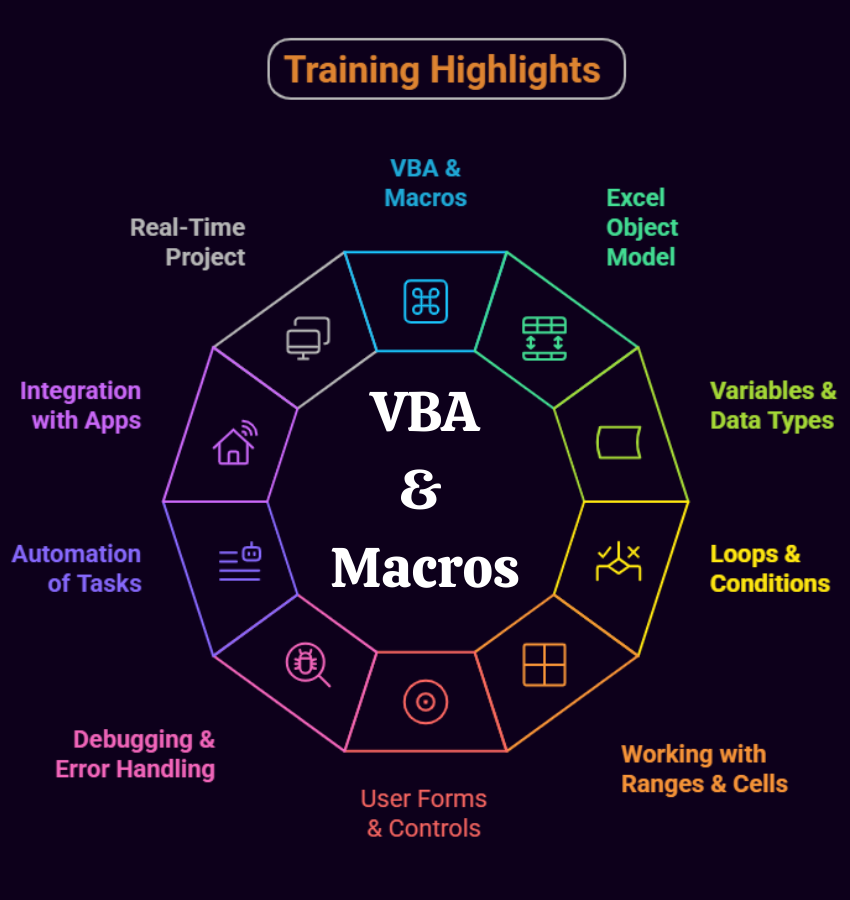
Module 1: Excel Concepts & Functions
Ch 1: Basic Functions
- SUM, AVERAGE, MAX, MIN, COUNT, COUNTA
- Absolute, Mixed
- Relative Referencing
Ch 2: Formatting and Proofing
- Currency Format
- Format Painter
- Formatting Dates
- Custom and Special Formats
- Formatting Cells
Ch 3: Functions
- SUMIF, SUMIFS, COUNTIF
- COUNTIFS, AVERAGEIF
- AVERAGEIFS, NESTED IF
- IFERROR STATEMENT
- AND, OR, NOT
Ch 4: Protecting Excel
- File Level Protection
- Workbook
- Worksheet Protection
- Security Concepts
- Realtime Issues, Solutions
Ch 5: Text Functions
- Upper, Lower, Proper
- Left, Mid, Right
- Trim, Len, Exact
- Concatenate
- Find, Substitute
Ch 6: Date & Time Functions
- Today, Now
- Day, Month, Year
- Date, Date if, Date Add
- EOMONTH
- Weekday Functions
Ch 7: Adv. Techniques
- Paste Formulas
- Paste Formats
- Paste Validations
- Transpose Tables
Ch 8: New in Excel & 365
- Charts – Tree map & Waterfall
- Sunburst, Box and whisker Charts
- Combo Charts – Secondary Axis
- Adding Slicers Tool in Pivot & Tables
- Using Power Map and Power View
- Forecast Sheet, park lines
Ch 9: New in Excel & 365
- Using 3-D Map
- New Controls in Pivot Table
- Various Time Lines
- Auto complete a data range
- Quick Analysis Tool
- Smart Lookup manage Store
Ch 10: Printing Workbooks
- Setting Up Print Area
- Customizing Headers
- Templates
- Print Titles –Repeat Rows
Ch 11: Sorting and Filtering
- Filtering on Text
- Numbers & Colors
- Sorting Options
- Advanced Filters
- Filter Criteria
Module 2 : Advanced Excel
Ch 12: What If Analysis
- Goal Seek
- Scenario Analysis
- Data Tables (PMT Function)
- Solver Tool
Ch 13: Logical Functions
- If Function
- How to Fix Errors – if error
- Nested If
- Complex if and or functions
Ch 14: Data Validation
- Number, Date & Time
- Text and List Validation
- Custom validations formulas
- Dynamic Dropdowns
Ch 15: Lookup Functions
- V lookup / H Lookup
- Index and Match
- Smooth User Interface
- Nested V Lookup
- Reverse Lookup
- Worksheet linking
- V lookup with Helper Column
Ch 16: Pivot Tables – 1
- Creating Simple Pivot Tables
- Classic Pivot table
- Choosing Field
- Filtering PivotTables
- Modifying PivotTable Data
- Grouping
- Calculated Fields
Ch 17: Pivot Tables – 2
- Array with IF, LEN
- MID function
- Array with Lookup
- Various Charts
- SLICERS, Filter data
- Manage Primary Axis
- Manage Secondary Axis
Ch 18: Excel Dashboard
- Planning a Dashboard
- Adding Tables and Charts to Dashboard
- Adding Dynamic Contents to Dashboard
Ch 19: VBA Macro – Level 1
- Using Outlook Namespace
- Send automated mail
- Outlook Configurations, MAPI
- Worksheet Operations
- Workbook Operations
Ch 20: VBA Macro – Level 2
- Merge Worksheets using Macro
- Merge multiple excel files into one sheet
- Split worksheets using VBA
- Worksheet copiers
SQL SCHOOL
24x7 LIVE Online Server (Lab) with Real-time Databases.
Course includes ONE Real-time Project.
#Top Technologies



Who is SQL School? How far you have been in the training services ?
SQL School is a registered training institute, established in February 2008 at Hyderabad, India. We offer Real-time trainings and projects including Job Support exclusively on Microsoft SQL Server, T-SQL, SQL Server DBA and MSBI (SSIS, SSAS, SSRS) Courses. All our training services are completely practical and real-time. CREDITS of SQL School Training Center
- We are Microsoft Partner. ID# 4338151
- ISO Certified Training Center
- Completely dedicated to Microsoft SQL Server
- All trainings delivered by our Certified Trainers only
- One of the few institutes consistently delivering the trainings for more than 20+ Years online as inhouse
- Real-time projects in
- Healthcare
- Banking
- Insurance
- Retail Sales
- Telecom
- ECommerce
I registered for the Demo but did not get any response?
Make sure you provide all the required information. Upon Approval, you should be receiving an email containing the information on how to join for the demo session. Approval process usually takes minutes to few hours. Please do monitor your spam emails also.
Why you need our Contact Number and Full Name for Demo/Training Registration?
This is to make sure we are connected to the authenticated / trusted attendees as we need to share our Bank Details / Other Payment Information once you are happy with our Training Procedure and demo session. Your contact information is maintained completely confidential as per our Privacy Policy. Payment Receipt(s) and Course Completion Certificate(s) would be furnished with the same details.
What is the Training Registration & Confirmation Process?
Upon submitting demo registration form and attending LIVE demo session, we need to receive your email confirmation on joining for the training. Only then, payment details would be sent and slot would be allocated subject to availability of seats. We have the required tools for ensuring interactivity and quality of our services.
Please Note: Slot Confirmation Subject to Availability Of Seats.
Will you provide the Software required for the Training and Practice?
Yes, during the free demo session itself.
How am I assured quality of the services?
We have been providing the Trainings – Online, Video and Classroom for the last 20+ years – effectively and efficiently for more than 100000 (1 lakh) students and professionals across USA, India, UK, Australia and other countries. We are dedicated to offer realtime and practical project oriented trainings exclusively on SQL Server and related technologies. We do provide 24×7 Lab and Assistance with Job Support – even after the course! To make sure you are gaining confidence on our trainings, participans are requested to attend for a free LIVE demo based on the schedules posted @ Register. Alternatively, participants may request for video demo by mailing us to contact@sqlschool.com Registration process to take place once you are happy with the demo session. Further, payments accepted in installments (via Paypal / Online Banking) to ensure trusted services from SQL School™
YES, We use Enterprise Edition Evaluation Editions (Full Version with complete feature support valid for SIX months) for our trainings. Software and Installation Guidance would be provided for T-SQL, SQL DBA and MSBI / DW courses.
Why Choose SQL School
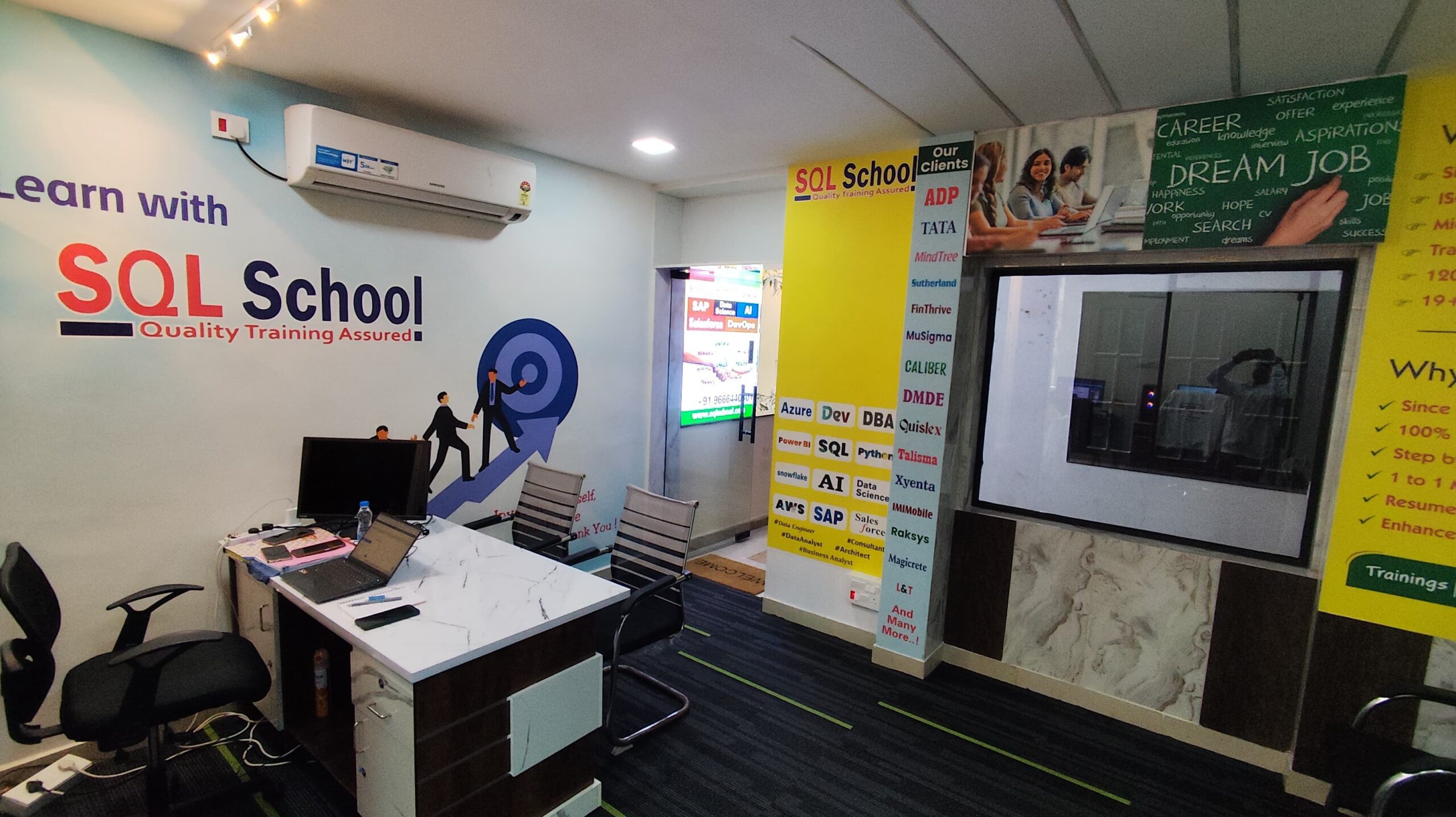
- 100% Real-Time and Practical
- ISO 9001:2008 Certified
- Weekly Mock Interviews
- 24/7 LIVE Server Access
- Realtime Project FAQs
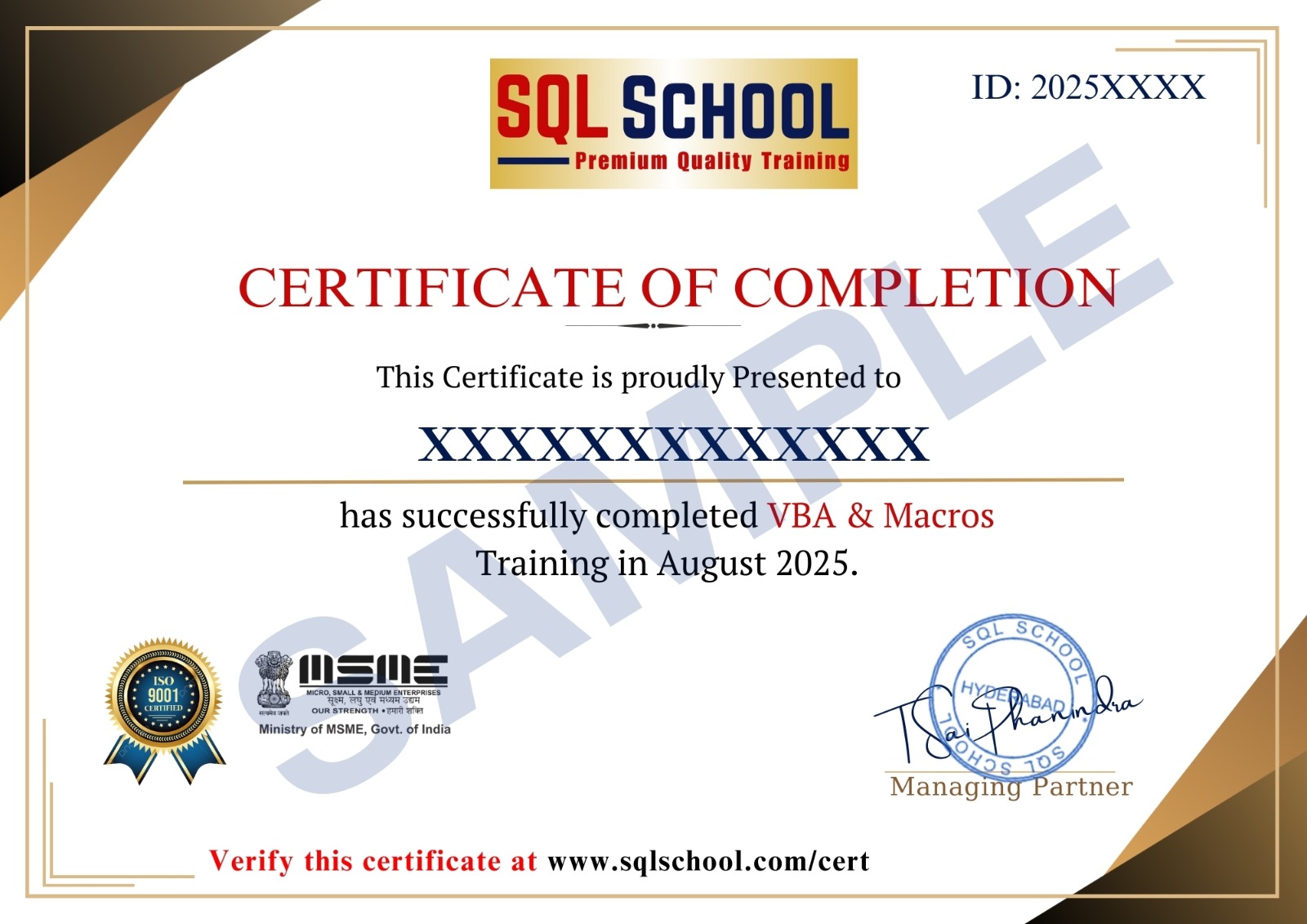
- Course Completion Certificate
- Placement Assistance
- Job Support