- 4.7


- 5.0
Official Learning Partner

Course Highlights
This job-oriented Azure Fundamentals course covers essential to advanced Azure concepts, including cloud computing basics, Azure services, and infrastructure management. You will learn to manage Azure resources, configure virtual networks, implement security features, and deploy virtual machines. The course also covers Azure Active Directory, monitoring and metrics, data storage solutions, and best practices in cloud governance. Additionally, you’ll gain hands-on experience with Azure’s cost management tools, resource optimization techniques, and preparing for Azure certification exams.
Trainer: Mr. Sai Phanindra
With 19+ Yrs experience

Azure Fundamentals Training Schedules
Training Highlights:
- Analytics Cloud Basics
- Cloud Computing
- IaaS, SaaS, PaaS
- Cloud Implementations
- Azure Accounts
- Azure Subscriptions
- Azure Configurations
- Azure Governance
- Azure Pricing
- Active Directory
- Azure Storage
- Azure BLOB & Tables
- Azure Security
- Azure Active Directory
- Azure Key Vaults
- Azure Monitoring
- Azure Alerts
- Azure Action Groups
- Azure Virtual Machines
- Azure Virtual Networks
- Azure Physical Infrastructure
- Azure Migrations
- Data Migration Assistant
- On-Premise Data Migrations
- Azure Databox
- Azure Resource Manager (ARM)
- AZ 900 Exam Guidance
Ch 1: Cloud Introduction & Azure
Chapter 1:
What is Cloud? Benefits of Cloud?; Benefits of Cloud Computing?; Popular Cloud Providers; Azure Vs Amazon Vs Google Cloud; Benefits of Microsoft Azure Cloud;
Ch 2: Azure Management Infrastructure
Ch 2: Azure Management Infrastructure
Azure Resource: Concept, Purpose; Azure Resource Types & Usage; Storage Resources, Engineering Resources; Database Resources & IoT Resources; Resource Group: Purpose & Usage; Azure Subscriptions and Types; Billing and Access Control Boundaries; Azure Management Resource Groups; Root Management Group & Regions; Azure Fundamentals: Basic Terminology; Microsoft Azure: Cloud Benefits; Comparing SaaS, PaaS and IaaS; Azure Cloud Account Creation, Subscription
Ch 3: Azure Storage Resources, Usage
Ch 3: Azure Storage Resources, Usage
Storage Components in Microsoft Azure; Azure Storage Services and Types – Uses; High Availability, Durability & Scalability; Blob: Binary Large Object Storage; General Purpose: Gen 1 & Gen 2 Versions; Blobs, File Share, Queues and Tables; Data Lake Gen 2 Operations with Azure; Azure Storage Account Creation; Azure Storage Container: Usage; Azure Data Explorer: Operations; File Uploads, Edits and Access URLs; Azure Storage Explorer Tool Usage; Directory Creation, File Operations.
Ch 4: Azure Tables & Replication
Ch 4: Azure Tables & Replication
Azure Tables – Real-time Usage; Tables, Entities and Properties Concepts; Azure Tables: Creation and Data Inserts; Azure Tables in Portal – GUI and Data Types; Azure Tables: Data Imports in Explorer; Data Edits, Queries & Delete Operations; Azure Storage: Replications and DR Options; LRS: Locally Redundant Storage; GRS: Globally Redundant Storage; ZRS: Zone Redundant Storage; Replication Options and Advantages; Replication Verification and Modifications; Azure Storage Endpoints, Failover Partner.
Ch 5: Azure Active Directory
Ch 5: Azure Active Directory
Azure Active Directory (AAD) & Security; Understanding AD Principals and Tenants; Azure Active Directory (AAD): Create Users; Azure Active Directory (AAD): Create Groups; Identity and Access Management (IAM); Owner Role, Contributor, and Reader Role; ACL: Access Control Lists & Security; Azure BLOB Storage Containers & ACLs; Folder Level and File Level Security; ACL Permissions: Read, Write & Execute; Hierarchical Level Security in Azure; Access Policy: Creation and Realtime Use; Permissions: rwacdl; Azure Principals, CORS.
Ch 6: Azure Monitor & Metrics
Ch 6: Azure Monitor & Metrics
Azure Resource Manager (ARM); Azure Monitor Components, Metrics; Azure Metric Charts and Timelines; Chart Components; Azure Insights; Monitor Dashboards and Auditing; Azure Advisor Options and Service Health; Azure Alerts and Signal Logic; Conditions and Signal Value Thresholds; Evaluation Timelines & Frequency; Signal Logic Condition Frequency; Action Rules and their Usage; Notification Settings & Usage; Alert Monitoring and Verifications.
Ch 7: Azure Virtual Machines (VM)
Ch 7: Azure Virtual Machines (VM)
Azure Virtual Machines, Container Instance; Advantages of Azure Virtual Machines; Deploying Azure VMs Using Portal; VM Types and Sizing Parameters; Disk Types, CPU and Memory; Scale Sets; Network Concepts; Firewalls; Availability; RDP @ Azure VM; Azure Virtual Desktop; Availability Sets and Availability Zones; Public Endpoints & Private End Points; Application Hosting Options with VM; Web Apps Features & Azure Containers; Virtual Networking; Subnets & Masks; Peering, DNS, Gateways, Express Route.
Ch 8: Networking Entities, Cloud Shell
Ch 8: Networking Entities, Cloud Shell
Understanding Virtual Networks; VNET Masks: Realtime Use; Static and Dynamic IP Address; Subnets, Peers & Azure Express Route; IP Range Allocations & ScaleSets; Azure Active Directory Domain Services; Azure Power Shell Versus Bash; Creating Resource Groups with Shell; Creating Resources, Operations with Shell; Cloud Computing Options with Azure; Azure Implementation of Cloud Services; Azure Monitor Components, Metrics; Azure Metric Charts and Timelines.
Ch 9: Azure Key Vaults & Pricing
Ch 9: Azure Key Vaults & Pricing
Azure Key Vaults & ADLS [Data Lake] Security; Azure Passwords, Keys, and Certificates; Azure Key Vaults – Name and Vault URI; Inbuilt Managed Key and Azure Key Vaults; Standard Type, Premium Type Key Vaults; Secret Page, Key Backups, and Key Restores; Azure Pricing: Parameters; Region Level Settings, Pricing Dependency; Storage Resources: Pricing Options; Azure Subscriptions: Billing Charts; Tenants and Zero Trust Defenders; Azure Product Categories, Pricing Units; Compute Cost and Storage Cost.
Ch 10: Azure Governance & Physical Infra
Ch 10: Azure Governance & Physical Infra
Azure Governance Concepts @ Microsoft; Azure BluePrints & Azure Policy; Azure Resource Locks, Service Trust Portal; Azure Resource Manager (ARM) Templates; Azure Physical Infrastructure Concepts; Azure Regions, Availability Zones; Zone Redundant Services, Non Regional; Region Pairs & Geography Concepts; Azure Sovereign Regions and Usage; Azure Infrastructure Hierarchy; Cloud Computing Options with Azure; Local and Geo Options & Cost Management; Azure Product Categories, Pricing Units.
Ch 11: Azure Migrations & Azure Databox
Ch 11: Azure Migrations & Azure Databox
Azure Migrate: Key Concepts, Advantages; Azure Data Migration Assistant (DMA) Tool; On-Premise to Azure Migrations (File); On-Premise to Azure Migrations (SQL DB); Verifying Migrations: Scalability, Cautions; Azure Databox: Big Data Storage and; Azure Databox: Big Data Storage; Azure Databox: Cloud Data Transfers; Data Box, Data Box Disk, and Data Box; Using Robocopy for Data Transfers; AES Encryptions with Azure Databox; Using BLOCK BLOB, PAGE BLOB; Using SMB and NFS Protocols.
SQL SCHOOL
24x7 LIVE Online Server (Lab) with Real-time Databases.
Course includes ONE Real-time Project.
Who is SQL School? How far you have been in the training services ?
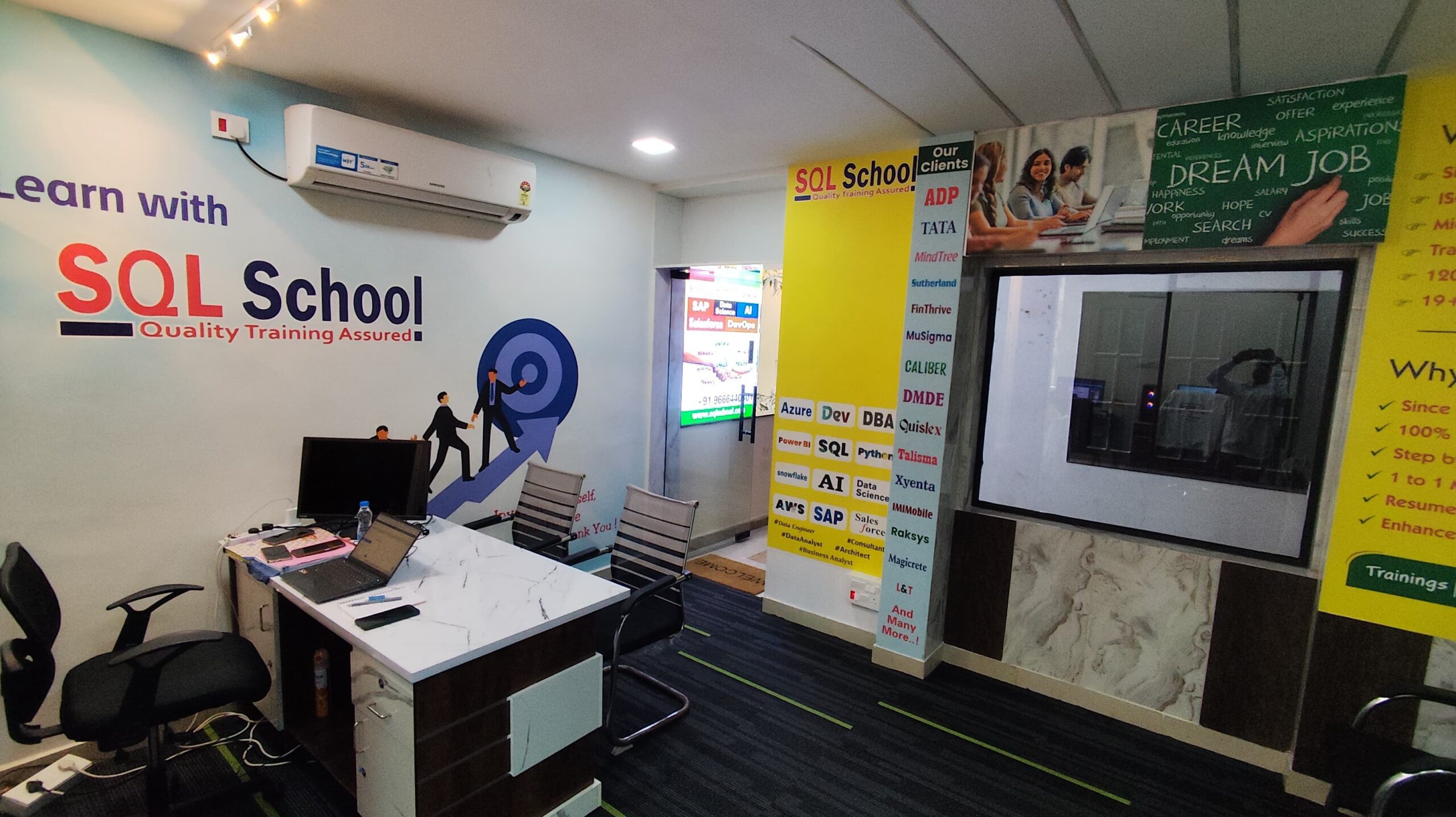
SQL School is a registered training institute, established in February 2008 at Hyderabad, India. We offer Real-time trainings and projects including Job Support exclusively on Microsoft SQL Server, T-SQL, SQL Server DBA and MSBI (SSIS, SSAS, SSRS) Courses. All our training services are completely practical and real-time. CREDITS of SQL School Training Center
- We are Microsoft Partner. ID# 4338151
- ISO Certified Training Center
- Completely dedicated to Microsoft SQL Server
- All trainings delivered by our Certified Trainers only
- One of the few institutes consistently delivering the trainings for more than 20+ Years online as inhouse
- Real-time projects in
- Healthcare
- Banking
- Insurance
- Retail Sales
- Telecom
- ECommerce
I registered for the Demo but did not get any response?
Make sure you provide all the required information. Upon Approval, you should be receiving an email containing the information on how to join for the demo session. Approval process usually takes minutes to few hours. Please do monitor your spam emails also.
Why you need our Contact Number and Full Name for Demo/Training Registration?
This is to make sure we are connected to the authenticated / trusted attendees as we need to share our Bank Details / Other Payment Information once you are happy with our Training Procedure and demo session. Your contact information is maintained completely confidential as per our Privacy Policy. Payment Receipt(s) and Course Completion Certificate(s) would be furnished with the same details.
What is the Training Registration & Confirmation Process?
Upon submitting demo registration form and attending LIVE demo session, we need to receive your email confirmation on joining for the training. Only then, payment details would be sent and slot would be allocated subject to availability of seats. We have the required tools for ensuring interactivity and quality of our services.
Please Note: Slot Confirmation Subject to Availability Of Seats.
Will you provide the Software required for the Training and Practice?
Yes, during the free demo session itself.
How am I assured quality of the services?
We have been providing the Trainings – Online, Video and Classroom for the last 20+ years – effectively and efficiently for more than 100000 (1 lakh) students and professionals across USA, India, UK, Australia and other countries. We are dedicated to offer realtime and practical project oriented trainings exclusively on SQL Server and related technologies. We do provide 24×7 Lab and Assistance with Job Support – even after the course! To make sure you are gaining confidence on our trainings, participans are requested to attend for a free LIVE demo based on the schedules posted @ Register. Alternatively, participants may request for video demo by mailing us to contact@sqlschool.com Registration process to take place once you are happy with the demo session. Further, payments accepted in installments (via Paypal / Online Banking) to ensure trusted services from SQL School™
YES, We use Enterprise Edition Evaluation Editions (Full Version with complete feature support valid for SIX months) for our trainings. Software and Installation Guidance would be provided for T-SQL, SQL DBA and MSBI / DW courses.
Why Choose SQL School
- 100% Real-Time and Practical
- ISO 9001:2008 Certified
- Weekly Mock Interviews
- 24/7 LIVE Server Access
- Realtime Project FAQs
- Course Completion Certificate
- Placement Assistance
- Job Support