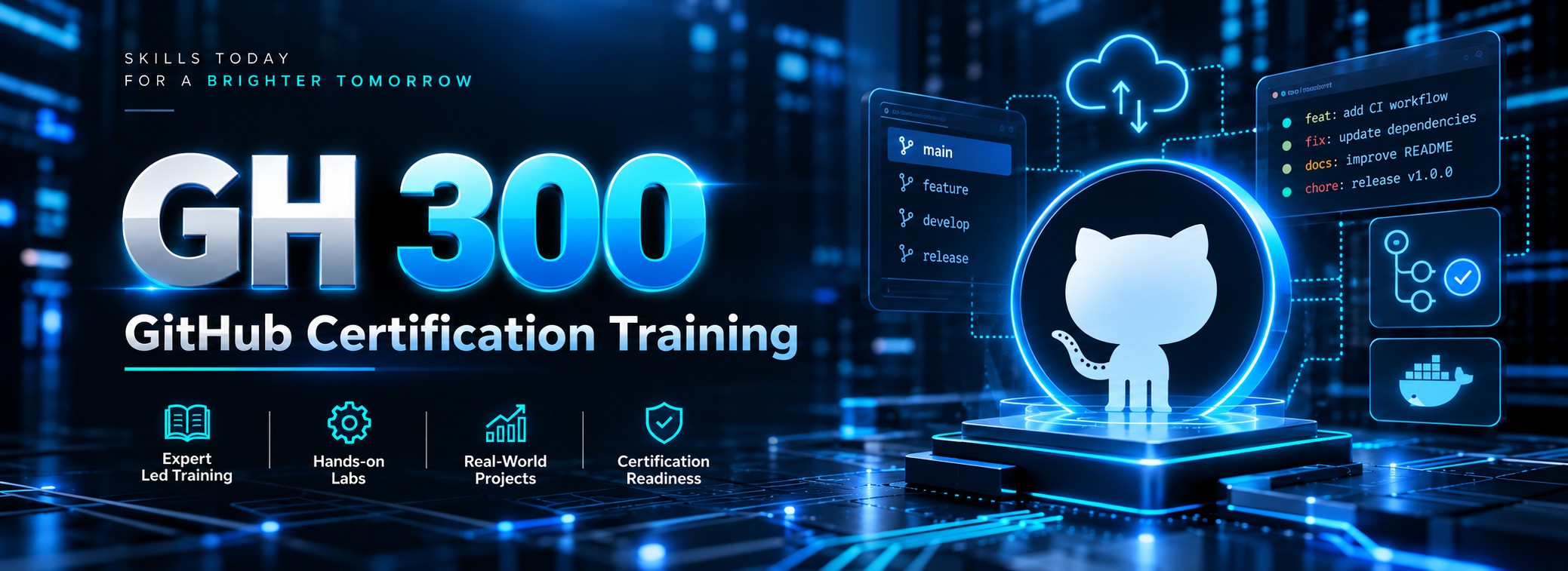
#GH 300

Master GitHub Copilot with SQL School’s LIVE Online, Instructor-Led GH-300 Certification Training. Learn AI-assisted coding, prompt engineering, Copilot Chat, Agent Mode, and MCP through hands-on projects, practical exercises, and exam preparation.

Training Highlights

✅ LIVE Instructor-Led Training
✅ 20 Chapters Across 4 Modules
✅ GitHub Copilot & AI Development
✅ Prompt Engineering & Context Crafting
✅ AI-Assisted Coding & Testing
✅ Security, Privacy & Responsible AI –
✅ End-to-End Practical Project
✅ GH-300 Certification Preparation

Modules We learn

✅ Module 1: Responsible AI and Copilot Essentials
✅ Module 2: Features, Agents and Administration
✅ Module 3: Architecture, Prompts and Productivity
✅ Module 4: Safeguards, Project and Certification
 

GH 300 Course Contents:

Module 1: Responsible AI and Copilot Essentials

CHAPTER 01 | Introduction to GitHub Copilot

Understand the GH-300 exam, Copilot value proposition, prerequisites, supported development workflows
and GitHub fundamentals.
Practical: Explore Copilot in a sample repository.

CHAPTER 02 | Generative AI and Responsible AI Foundations

Learn generative AI, model limitations, hallucinations, bias, intellectual property risks, security implications
and mitigation approaches.
Practical: Evaluate unsafe or inaccurate AI suggestions.

CHAPTER 03 | Validating AI-Generated Outputs

Review correctness, maintainability, licensing, test coverage and human accountability for Copilot-assisted
code.
Practical: Validate and improve a generated function.

CHAPTER 04 | GitHub Copilot Setup and IDE Integration

Configure Copilot in supported IDEs; explore completion, inline suggestions, chat, editor settings and
day-to-day coding flows.
Practical: Enable Copilot and complete an IDE coding exercise.

CHAPTER 05 | GitHub Copilot Chat and Context

Practice chat commands, conversation history, context selection, limitations, feedback and reusable
prompt files.
Practical: Explain unfamiliar code with targeted chat prompts.

Module 2: Features, Agents and Administration

CHAPTER 06 | GitHub Copilot CLI

Understand installation, interactive sessions, available commands, shell assistance, script generation and
safe file operations.
Practical: Create and review a CLI-generated helper script.

CHAPTER 07 | Copilot Edits and Agent Mode

Apply multi-file changes, agent workflows, task delegation, agent sessions and sub-agents while managing
context and review checkpoints.
Practical: Refactor a small application across files.

CHAPTER 08 | MCP and Extended Copilot Workflows

Introduce Model Context Protocol (MCP), connected tools and controlled extensions to agentic development
workflows.
Practical: Map a sample tool-enabled workflow and permissions.

CHAPTER 09 | Copilot in GitHub Collaboration

Use code review assistance, pull request summaries, custom review instructions, Spaces and Spark
capabilities.
Practical: Draft a PR summary and review checklist.

CHAPTER 10 | Organization Administration and Policies

Review organization-wide policies, feature availability, code review controls, audit log events and
subscription management with REST APIs.
Practical: Design an example enterprise Copilot policy.

Module 3: Architecture, Prompts and Productivity

CHAPTER 11 | Copilot Data Flow and Architecture

Explain request context, prompt building, data flow and sharing, proxy filtering, post-processing and code
suggestion lifecycle.
Practical: Diagram the lifecycle of an inline suggestion.

CHAPTER 12 | Understanding Context and Prompt Engineering

Structure prompts with goal, constraints, examples and relevant files; compare zero-shot, few-shot and
iterative prompting.
Practical: Improve weak prompts through three iterations.

CHAPTER 13 | Advanced Context Crafting and Prompt Quality

Explore context selection, prompt process flow, chat history, reusable prompt patterns and
performance-oriented prompt improvements.
Practical: Prepare a reusable prompt for a repository task.

CHAPTER 14 | AI-Assisted Coding and Refactoring

Apply Copilot to code generation, documentation, migration, legacy code modernization, sample-data
generation and accelerated learning.
Practical: Modernize a legacy routine with review.

CHAPTER 15 | AI-Assisted Testing and Debugging

Create unit and integration tests, assertions, edge-case coverage, debugging hypotheses and reproducible
test scenarios.
Practical: Generate tests and assess missing edge cases

Module 4: Safeguards, Project and Certification

CHAPTER 16 | Code Security and Performance with Copilot

Assess suggested security changes and optimizations; check weaknesses, false confidence and the need
for independent verification.
Practical: Review and harden an insecure code example.

CHAPTER 17 | Privacy, Content Exclusions and Safeguards

Configure privacy and editor settings; understand content exclusions, public-code match filtering, output
ownership and troubleshooting.
Practical: Plan safe exclusions for a sample repository.

CHAPTER 18 | End-to-End GitHub Copilot Practical Project

Combine IDE assistance, prompt engineering, CLI, agent mode, review, testing, security and
documentation in one workflow.
Practical: Complete and present a mini-project with review evidence.

CHAPTER 19 | GH-300 Exam Domain Review and Practice Questions

Review all six assessed domains and relative weightings; practice case-based questions on features,
responsibility, architecture and safeguards.
Practical: Complete a domain-wise practice assessment and gap analysis.

CHAPTER 20 | GH-300 Mock Exam and Certification Readiness

Take a timed mock assessment; review explanations, revision priorities, common traps, exam booking
steps and final preparation checklist.
Practical: Complete final mock exam and personalized revision plan.

What is GH-300 GitHub Copilot Certification Training?

GH-300 training helps developers and IT professionals master GitHub Copilot, AI-assisted coding, prompt engineering, automation, and responsible AI practices while preparing for the certification exam.

Who can enroll in GH-300 GitHub Copilot Training?

Software developers, DevOps engineers, technical leads, engineering managers, and IT professionals with basic GitHub knowledge and programming experience can enroll.

What topics are covered in the GH-300 course?

Software developers, DevOps engineers, technical leads, engineering managers, and IT professionals with basic GitHub knowledge and programming experience can enroll.

Does the GH-300 training include hands-on projects?

Yes. SQL School provides practical exercises, coding assignments, and an end-to-end project covering Copilot-assisted development, testing, debugging, refactoring, and documentation.

How does SQL School prepare students for the GH-300 certification exam?

SQL School offers structured exam preparation, domain-wise practice questions, mock assessments, revision guidance, and instructor-led training aligned with the GH-300 exam objectives.

What is the training mode for the GH-300 course?

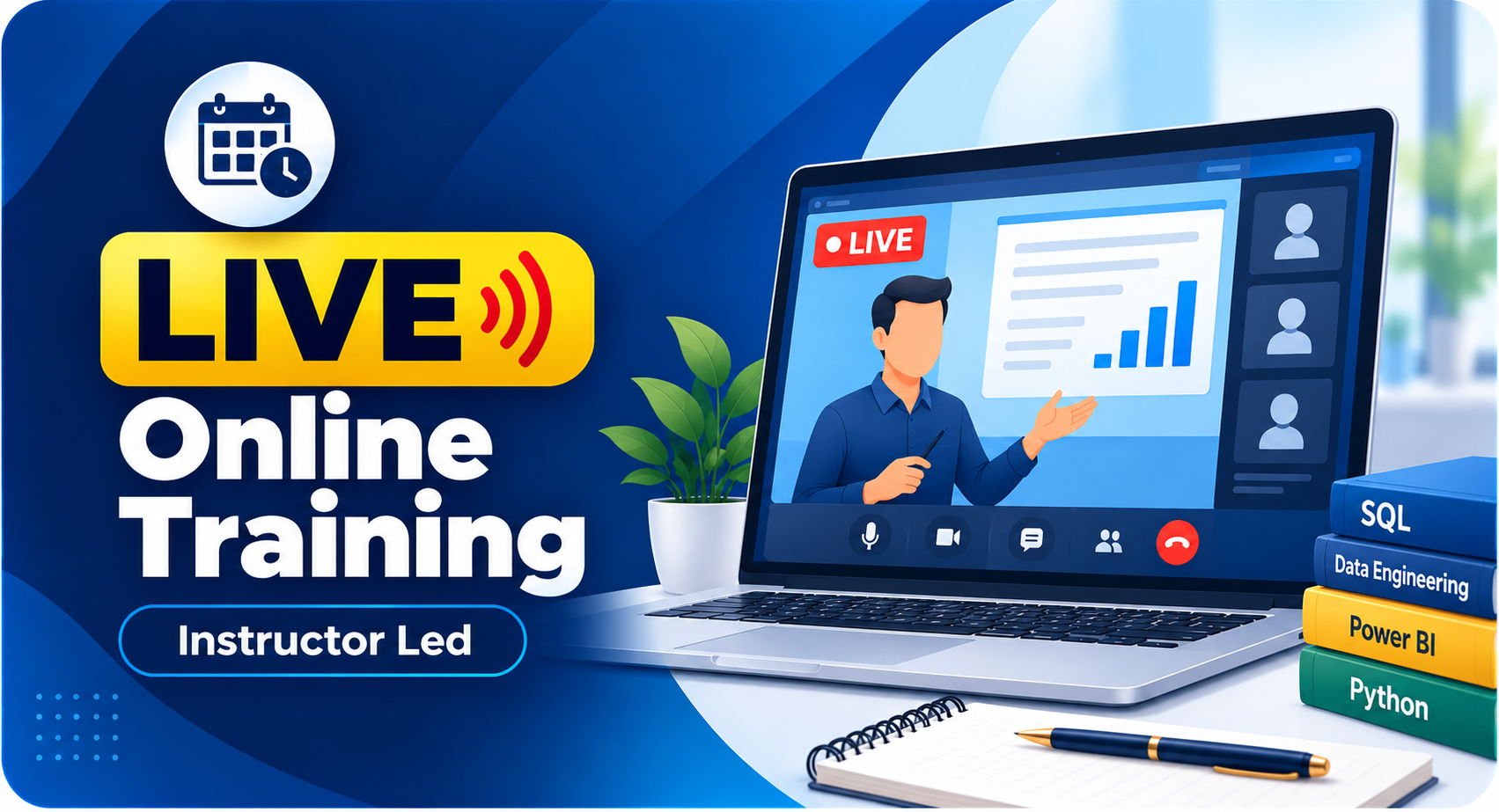
SQL School offers LIVE Online, Instructor-Led training with hands-on exercises, practical demonstrations, interactive learning, and structured certification preparation.

How can I enroll in SQL School's GH-300 GitHub Copilot Training?

Contact +91 99514 40801 to register for a FREE Demo Class and learn more about the GH-300 training program.

Demo Video

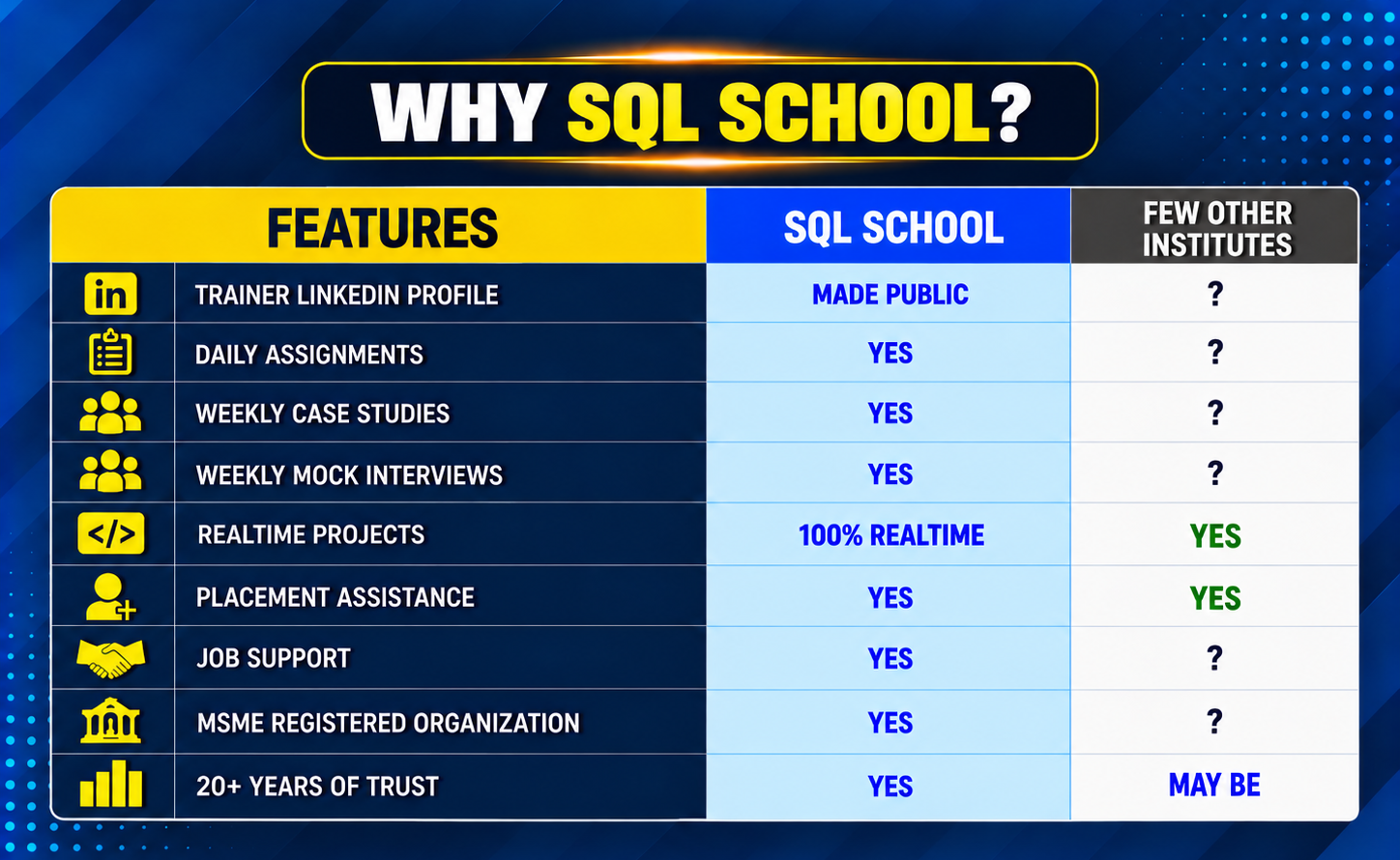
Why SQL SCHOOL?

Training Modes

Why Choose SQL School

  • 100% Real-Time and Practical
  • ISO 9001:2008 Certified
  • Concept wise FAQs
  • TWO Real-time Case Studies, One Project
  • Weekly Mock Interviews
  • 24/7 LIVE Server Access
A man smiling and giving a thumbs up while holding a notebook.
  • Realtime Project FAQs
  • Course Completion Certificate
  • Placement Assistance
  • Job Support
  • Realtime Project Solution
  • MS Certification Guidance

SQL School Azure Data Engineer training certificate of completion issued in January 2026 with verification ID
Verified by MonsterInsights