


No. SQL is taught from scratch. Python is taught only for Data Analytics, not programming or development. The course is beginner-friendly.
A Tableau Data Analyst transforms raw data into powerful visual insights using dashboards, charts, and KPIs. The role focuses on data cleaning, modeling, and creating interactive reports that help businesses make quick, informed decisions. With expertise in SQL and visualization best practices, Tableau Data Analysts simplify complex data and deliver clear, actionable insights for teams and leadership.
✅ Data Preparation & Cleaning
✅ Dashboard & Visualization Design
✅ Calculated Fields & Logical Functions
✅ Tableau Worksheets & Advanced Charts
✅ Exploratory Data Analysis (EDA)
✅ Data Modeling & Schema Understanding
✅ Performance Optimization
✅ Integration with SQL & Cloud Sources
✅ Python Data Analytics with Big Data
✅ Excel Integrations with Cloud, AI
✅ Real-Time Business Dashboards Project
✅ 1:1 Mentorship & Interview Preparation
Module 1: Database Fundamentals, Oracle PLSQL Queries
Ch 1: Database, DBMS
- Database Introduction
- Database Types, Purpose
- DBMS & Realtime Use
- Databases: Advantages
- DBMS Technologies
- Oracle DBMS: Intro
Ch 2: Oracle Installation – 1
- Oracle Introduction, Features
- Oracle Advantages, Usage
- Oracle Versions and Editions
- Oracle Installation Guidance
- Pre-Requisites and Precautions
- Oracle SQL Command prompt
- Connect SQL Developer Tool
- New Users, Permissions, Grants
Ch 3: Oracle Installation – 2
- Installation Verifications
- Installation Precautions
- Locking, Unlocking Users
- Password Resets
- Authentication Options
- SQL* Plus Technology
- Oracle System user in Oracle
- Default Sysdba user
Ch 4: Introduction to DBMS
- Features of RDBMS
- Advantages of RDBMS
- E.F Codd Rules for RDBMS
- Normalization Concepts
- Client Server Architecture
- Oracle Versions
- SQL & SQL*PLUS
Ch 5: OLTP & OLAP
- Database Types: OLTP & OLAP
- Real-world Advantages
- Relational Database Model
- Database Entities and Attributes
- RDBMS Databases: Usage
- Oracle DB OLTP Features
- Oracle an OLAP Features
Ch 6: SQL COMMANDS – I
- Structured Query Language
- SQL Operations in Realtime
- Possible Operations with SQL
- Data Definition Language
- Data Retrieval Language
- Data Manipulation Language
- Transaction Control Language
Ch 7: SQL Commands – II
- Security & Privileges (DCL)
- Queries and Statements
- Real-world uses of SQL
- Creating Users and Tables
- Table Inserts, Validations
- Data Types, DESCRIBE
- DDL Commands
Ch 8: Special Operations in SQL
- SQL Operators
- SET, AND, OR, NOT, IN
- Special Operators – IN (NOT IN)
- BETWEEN (NOT BETWEEN),
- Arithmetic & Logical Operators
- Operator Precedence
- UNION, UNION All & LIKE
- INTERSECT, MINUS, etc..
- IS NULL (IS NOT NULL)
Ch 9: Transaction Types
- DCL and TCL Commands
- Transactions in Databases
- Transaction Types and Uses
- Commit and Rollback
- Transactions with SavePoints
- Read Consistency with SQL
- Transaction types in Oracle?
- Realtime use of Transactions
Ch 10: Grouping Query Results
- Distinct Values in Tables
- Group, Aggregate function
- Group By Statement Syntax
- Group By Operations in SQL
- Having with Group By
- Order By Clause, Group By
- Grouping() Function Usage
Ch 11: Single Row Function
- Order By Clause and Group By
- SQL Group By Statement
- Arithmetic, Character Functions
- Date & Time, String Function
- Conversion, Analytical Functions
- Rank,Dense_Rank,Row_Number
- NVL(),NVL2(), NullIF(),Coalesce()
Ch 12: Constraints & Keys – I
- Importance of Data Integrity
- Data Integrity constraints
- Types of Integrity Constraints
- Domain Integrity Constraints
- Entity Integrity Constraints
- Referential Integrity
- Check & UNIQUE
Ch 13: Constraints & Keys – II
- PRIMARY KEY Constraint
- FOREIGN KEY Constraints
- Column Level & Table Level
- Adding Constraints
- Self-Referential Integrity
- Cascading Keys in Realtime
- Use Case Scenarios
Ch 14: Queries & Joins – I
- Joins and Table Comparisons
- SET Operations with Joins
- How do Joins work in SQL?
- Equi Join, Simple Join
- Inner Join and Query Conditions
- Cross Join (Cartesian Join)
- Join syntax and Ansi Syntax
- Non-Equi Join and Self Join
Ch 15: Queries & Joins – II
- Outer Joins – Types
- Cross Joins – Advantages
- Merge Joins, Sub Queries
- Join Aliases and Conditions
- Inner Self Joins with HAVING
- JOINS and GROUP BY Queries
- Inner Join and Self Join
- Realtime Use Cases
Ch 16: Views
- Understanding Views & Use
- Relational, Standard Views
- SIMPLE, COMPLEX VIEWS
- Column Definitions
- VIEWS for DML Operations
- Forced, CHECK Constraints
- READ ONLY VIEWS – Use
- Indexed Views
Ch 17: Synonyms, Sequences
- Sequences, with Synonyms
- Use of Synonym in Oracle?
- Views Versus Synonyms
- Table Synonyms Usage
- Public and Private Synonyms
- Synonym Identification Options
- Realtime Use of Synonyms
- Synonyms: Limitations
Ch 18 : Sub Queries
- Sub Queries in Real-world
- Conditions with Sub Queries
- Sub Queries, Nested Queries
- Nested Sub Query Execution
- Inner and Outer Queries
- Sub Queries and HAVING
- Performance Impact
- Retrieval of Nth Row
Ch 19: Realtime Case Study (Ecommerce / Medicare)
Module 2: Tableau
CHAPTER 1: TABLEAU INTRO, INSTALLATION
- Introduction to Tableau
- Report Types in Real-time
- Data Sources for Report Design
- Tableau as a Self Service BI
- Tableau Features
- Power BI Licensing Plans
CHAPTER 2: TABLEAU ARCHITECTURE
- Oracle Introduction, Features
- Oracle Advantages, Usage
- Oracle Versions and Editions
- Oracle Installation Guidance
- Pre-Requisites and Precautions
- Oracle SQL Command prompt
- Connect SQL Developer Tool
- New Users, Permissions, Grants
CHAPTER 3: TABLEAU INTRO, INSTALLATION
- Tableau Public Desktop
- Report Development
- Data Sources Types
- Tableau Prep Tools
- Data Modelling
- Drilldown Reports
CHAPTER 4: TABLEAU REPORTS & JOINS
- Data Search
- Alias, Bins, Workbooks
- Bookmarks, Calculations
- Tableau File Type
- Pages, Rows, Columns
- Joins in Tableau Sources
- Inner, Left / Right Outer Joins
CHAPTER 5: TABLAU REPORT DESIGN
- Cross Tabs, Dashboards,
- Visual Sync
- Sets, Marks, Workbooks
- Data Pane, Dimensions
- Extract, Filters
CHAPTER 6: BIG DATA ACCESS, BLENDING
- SQL Data Access
- Remote Data Sources
- Remote Joins
- SQL Queries in Tableau
- Data Blending
- Multiple Data Sources
- Combine, Aggregations
- Data Grouping
- Tableau Operators
CHAPTER 7: TABLEAU CALCULATIONS
- Tableau Calculations
- Numerical Calculations
- Aggregated Calculations
- Calculations From Shelves
- Calculation Edits, Identifications
CHAPTER 8: STRING, DATE FUNCTIONS
- Tableau Functions
- String Functions
- Date Functions
- Time Functions
- Aggregation Functions
CHAPTER 9: TABLE CALCULATIONS
- Calculations For Year, Quarter, Month
- Custom Calculations
- Data Appending
- Custom Date and Time Formats
- Calculations Reuse and Edits
- Date and Time Conversions
- Running Total
- Row Number, Case Statements
CHAPTER 10: LOD CALCULATIONS
- Table Calculations
- Level of Details
- Table Calculations
- Partitioning, FIXED LOD
- INCLUDE LOD Expressions
- EXCLUDE LOD Expressions
CHAPTER 11: TABLEAU VISUALIZATIONS – 1
- Tableau Visualizations
- Tableau Bar Charts
- Horizontal & Colored Charts
- Interactive Charts & Filters
- Continuous Charts
- Dual Line Chart, Area Charts
- CrossTab Charts, Pie Charts
CHAPTER 12: TABLEAU VISUALIZATIONS – 2
- Divergence, Color Palettes
- Box & Wishker Plots
- Text Tables;
- Heat Maps, Treemaps
- Motion Charts
CHAPTER 13: TABLEAU FILTERS
- Tableau Filters
- Extract Filters, TDE (hyper)
- twb Files, History, TDE
- Context Filters
- Dimension Filters
- Measure Filters
- Filters Scope and Quick Filters
CHAPTER 14: PARAMETERS, SETS
- Tableau Parameters
- Parameters, Conditions
- Calculations, Dynamic Filters
- Dynamic Dimensions
- Dynamic Measures With Sets
- IN and OUT Concepts
CHAPTER 15: TABLEAU FORECASTS, ACTIONS
- Tableau Trend Lines
- Reference Lines
- Forecasts, Exponential Smoothing
- Forecasts, Bookmarks
- Tableau Action Types
- Static/Dynamic Actions
- URL and Parameter Action Types
- Tableau Actions & Dashboards
CHAPTER 16: DASHBOARDS & STORIES
- Dashboards and Stories
- Building Dashboards
- Legends and Quick Filters
- Floating Layouts
- Layout Containers
- Dashboard Extensions, API
- Device Designer
- Customizing Layouts
- Bollinger Bands
CHAPTER 17: Tableau Prep
- Installation ETL
- Tableau Desktop Store
- Server Store
CHAPTER 18: TABLEAU SERVER
- Tableau Server – Architecture
- Installation Process
- Workbook, Sharing and Layouts
- Custom Layouts
- Tableau Online Vs Table Server
- Device Layouts in Tableau Online
CHAPTER 19: COLLOBORATE TABLEAU ONLINE
- Tableau Online, LIVE Reports
- Projects and Workbooks
- Report Views in Tableau Online
- Searching Content
- Account Settings, Drill Down
- Sharing, Subscription
- Web Authoring
- Phone Marks and Maps
CHAPTER 20: MANAGE TABLEAU SERVER
- Tableau Server – Administration Concepts
- Tableau Sites, Users, Groups Security
- Group Rules, Web Edits
- Project Permission and Locking
- Data Security with user Filters
- Filters and Hybrid Models in Server
- Access Roles, Schedules, Extraction
- TSM : Tableau Services Manager
- GUI and CLI; Backups and Restores
- Tabcmd : Imports; Tabcmd
CHAPTER 21: REAL-TIME PROJECT (ECommerce / Banking / Finance)
Module 3: Python (For Data Analysts)
Ch 1: Python Introduction
- Python Introduction
- Python Versions
- Python Implementations
- Python Installations
- Python IDE & Usage
- Jupyter Notebooks
Ch 2: Python Operations
- Basic Operations in Python
- Python Scripts, Print()
- Single, Multiline Statements
- Python: Internal Architecture
- Compiler Versus Interpreter
Ch 3: Data Types & Variables
- Integer / Int Data Types
- Float, String Data Types
- Sequence Types: List, Tuple
- Range, Complex & memview
- Retrieving Data Type: type()
Ch 4: Python Operators
- Arithmetic, Assignment Ops
- Comparison Operators
- Operator Precedence
- If … Else Statement, Pass
- Short Hand If, OR, AND
- ELIF and ELSE IF Statements
Ch 5: Python Loops, Iterations
- Python Loop & Realtime Use
- Python While Loop Statement
- Break and Continue Statement
- Iterations & Conditions
- Exit Conditions & For Loops
- iter() and Looping Options
Ch 6: Python Functions
- Python Functions & Usage
- Function Parameters
- Default & List Parameters
- Python Lambda Functions
- Recursive Functions, Usage
- Return & Print @ Lamdba
Ch 7: Python Modules
- Import Python Modules
- Built In Modules & dir
- datetime module in Python
- Date Objections Creation
- strftime Method & Usage
- imports &now()
Ch 8: Python User Inputs & TRY
- Try Except, Exception Handling
- Raise an exception method
- TypeError, Scripting in Python
- Python User Inputs
- Python Index Numbers
- input() & raw_input()
Ch 9: Python File Handling
- File Handling, Activities
- Loop, Write, Close Files
- Appending, Overwriting
- import os,exists
- open, f.write
- read, f.close
Ch 10: Pandas DataFrames 1
- Installation of Pandas
- Python Modules & Pandas
- Pandas Codebase & Usage
- import DataFrame
- Pandas Series, arrays
Ch 11: Pandas Data Frames 2
- Indexes & Named Options
- Locate Row and Load Rows
- Row Index & Index Lists
- Load Files Into a DataFrame
- to_string() Function
- tail() & null() Function
Ch 12: Pandas Transformations
- Pandas – Cleaning Data
- Replace, Transform Columns
- Data Discovery & Column Fill
- Identify & Remove Duplicates
- dropna(), fillna() Functions
- Data Plotting & matlib Lib
Ch 13: Realtime Project (Banking / Finance) For Data Analysis [End to End]
Ch 14: Weekly Mock Interview Review meet ++ 1:1 Resume Meet
What is the Tableau Data Analyst course?
This program trains you to analyze data, build interactive dashboards, write SQL (Oracle PLSQL), perform ETL, and create professional Tableau reports used in real-time analytics environments.
Who can join the Tableau Data Analyst training?
Anyone — freshers, non-IT learners, working professionals, and career changers. The course starts from basic data concepts and moves into SQL, Tableau, Python, and business analytics.
What modules are included in this program?
Module 1: Oracle PLSQL (3 Weeks, 2 Case Studies)
Module 2: Tableau (4 Weeks, 4 Case Studies)
Module 3: Python for Data Analytics (3 Weeks, 1 Case Study)
Module 4: Real-time Projects + Excel + Resume + Mock Interviews
What SQL/PLSQL topics will I learn before Tableau?
You will learn SQL commands, joins, subqueries, constraints, keys, transactions, grouping, functions, views, synonyms, sequences, indexing, and real-time case studies using Oracle.
What Tableau skills will I learn in this course?
You will learn Tableau Desktop, data connections, joins, blending, calculations, LOD expressions, filters, parameters, dashboards, stories, Tableau Prep, Tableau Server, and publishing workflows.
Does this course include Big Data access in Tableau?
Yes. You will learn SQL-based connections, remote data access, multiple data sources, data blending, aggregations, groups, and Tableau connectors used for enterprise BI.
Will I learn Tableau Calculations and LOD Expressions?
Yes. You will learn regular calculations, aggregated calculations, table calculations, FIXED/INCLUDE/EXCLUDE LODs, row-level formulas, and real-time use cases.
Does this training include Tableau Visualizations?
Yes. You will learn line charts, bar charts, area charts, maps, heatmaps, treemaps, scatter plots, dual-axis charts, motion charts, forecasting visuals, and KPI dashboards.
Is dashboard creation part of the course?
Yes. You will learn dashboard layouts, actions, navigation, filters, legends, layouts for web/mobile, and dashboard performance optimization.
Do we learn Tableau Prep?
Yes. Tableau Prep for ETL operations (cleaning, combining, reshaping data) is included as part of the real-time data analysis workflow.
Does the course include Tableau Server training?
Yes. Tableau Server installation, security, users, groups, permissions, scheduling, publishing, data security, site management, and TSM Administration are all included.
Will I learn cloud publishing using Tableau Online?
Yes. You will learn Tableau Online features such as projects, subscriptions, sharing, role assignments, web authoring, and mobile layouts.
Does the curriculum include Python for Data Analytics?
Yes. You will learn Python basics, loops, conditions, functions, modules, file handling, Pandas DataFrames, transformations, cleaning, and a real-time analytics project.
Do I need to learn programming for Tableau Analytics?
No. Tableau is a no-code visual analytics tool. SQL + Python basics provided in this course are sufficient for professional analytics roles.
Does the course include real-time projects?
Yes. E-commerce, Banking, Healthcare, and Financial analytics projects are covered using Tableau dashboards, Oracle SQL, and Python analytics workflows.
Is Excel training included?
Yes. You will learn Excel analytics, formatting, modelling, Excel-to-Tableau integrations, and exporting/reshaping Excel data for BI use.
Will I get interview and resume support?
Yes. You receive 1:1 resume writing assistance, mock interviews, weekly feedback sessions, and project explanation support.
What job roles can I apply for after this Tableau Analyst course?
Tableau Data Analyst, BI Analyst, Business Analyst, Data Visualization Engineer, Reporting Analyst, SQL Analyst, Python Analyst, and Dashboard Designer.
What training modes are available?
LIVE Online Training, Self-Paced Videos, Corporate Batches, and Free Demo Sessions directly with the trainer.
Placement Partners






















SQL SCHOOL
24x7 LIVE Online Server (Lab) with Real-time Databases.
Course includes ONE Real-time Project.
#Top Technologies



Why Choose SQL School
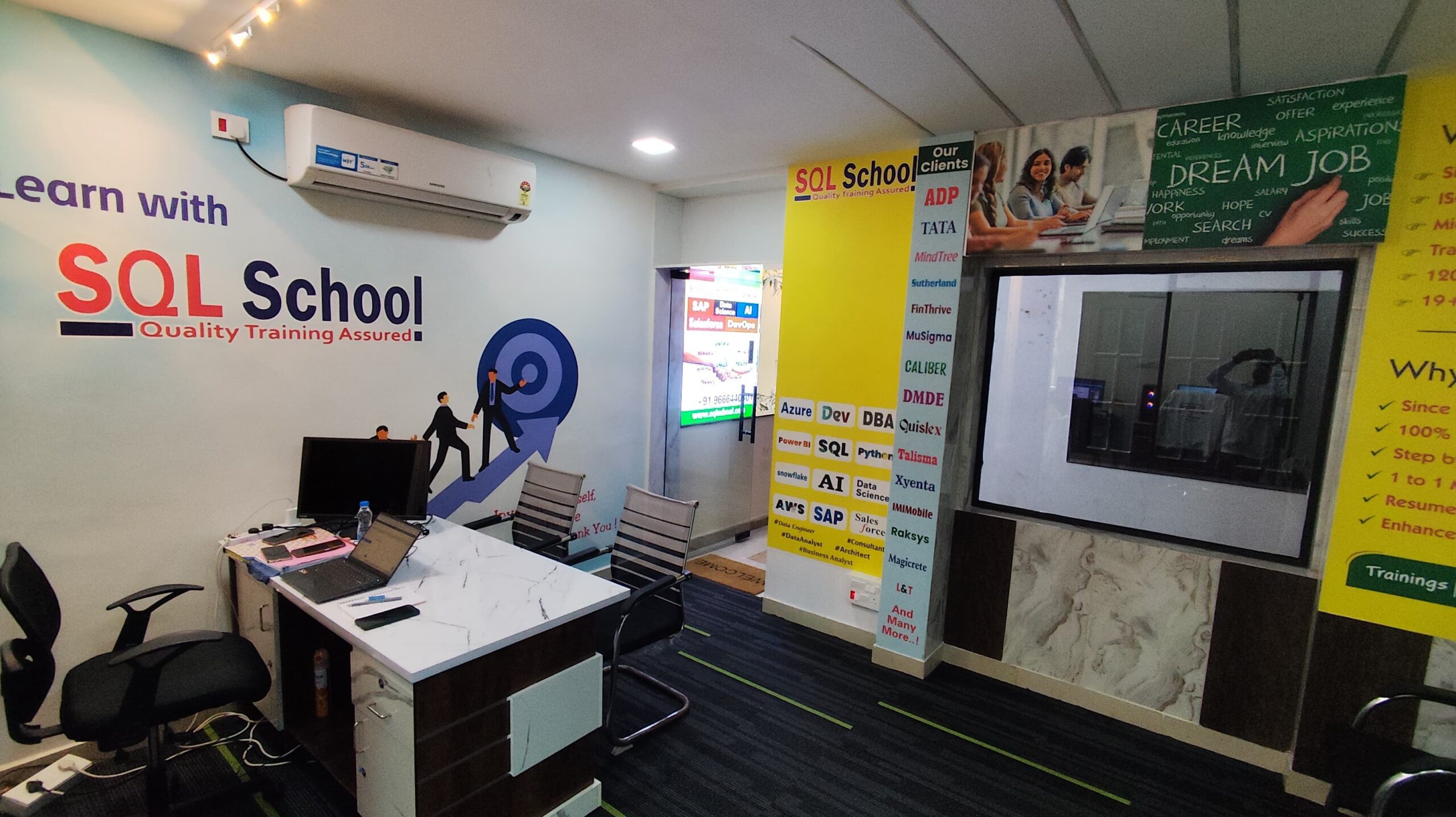
- 100% Real-Time and Practical
- ISO 9001:2008 Certified
- Weekly Mock Interviews
- 24/7 LIVE Server Access
- Realtime Project FAQs
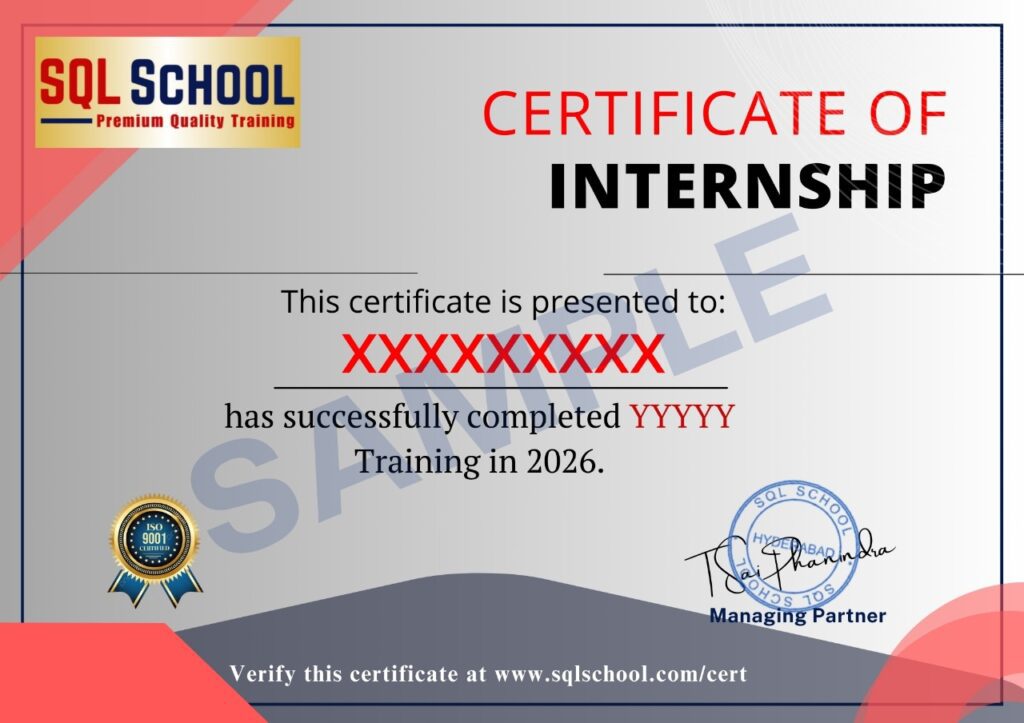
- Course Completion Certificate
- Placement Assistance
- Job Support