

Yes (in Plan B & C). SQL basics, RDBMS, joins, stored procedures, functions, triggers, transactions, and DevOps integration are covered.
AWS DevOps is a dynamic job role that focuses on uniting Development and Operations through AWS cloud services. This role includes continuous integration, continuous delivery (CI/CD), automation, monitoring, and collaboration to speed up software delivery. Professionals ensure scalability, agility, and reliability, empowering enterprises to innovate and grow efficiently.
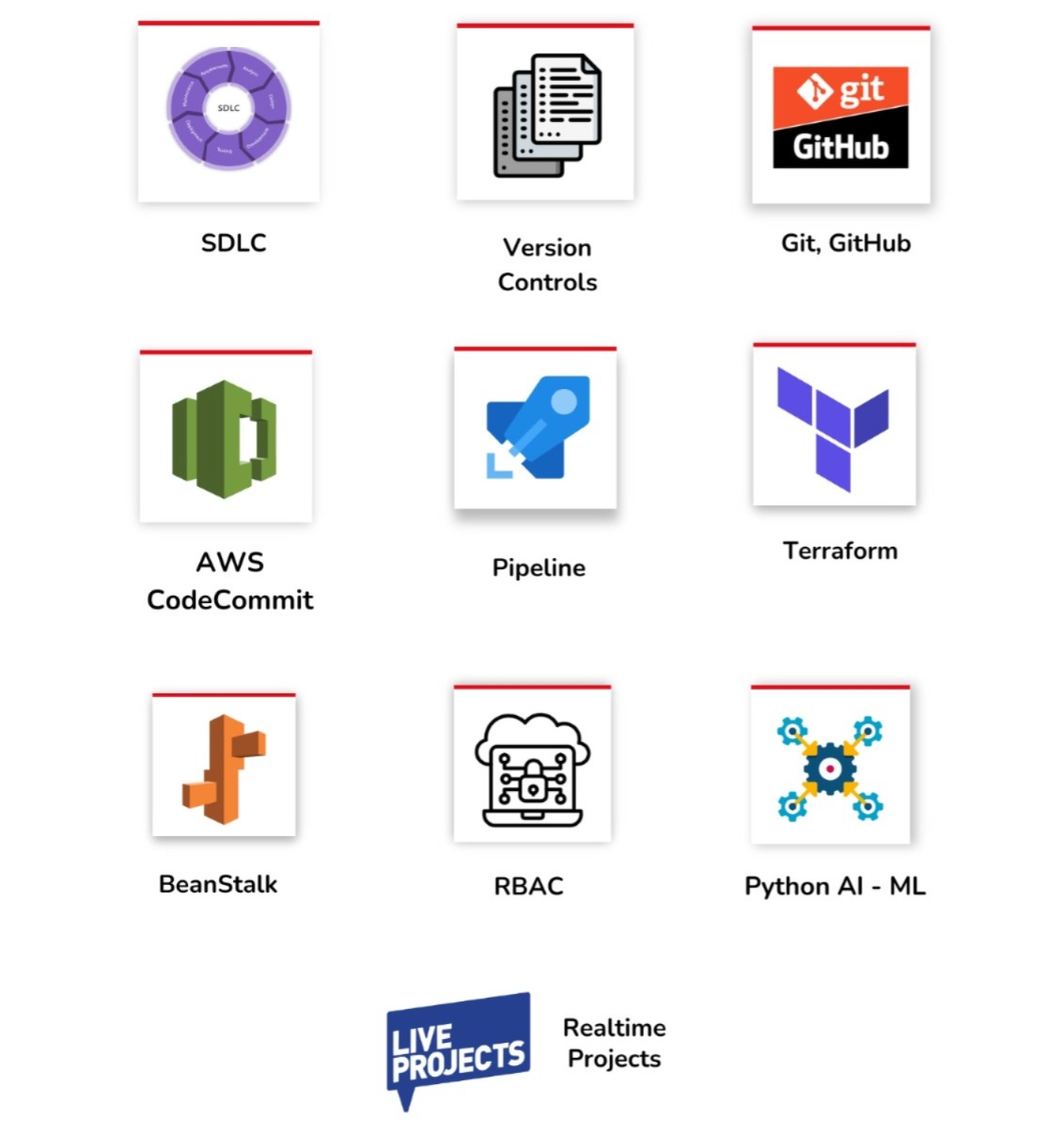
✅ AWS Repos, Version Control
✅ DevOps Pipelines – CI/CD
✅ ARM Templates & Terraform
✅ Sprint & Git in AWS
✅ Elastic Beanstalk in AWS
✅ Jenkins & Containers
✅ Monitoring, RBAC For Security
✅ Build, Release Automation
✅ Docker/Kubernetes Containers
✅ 1:1 Mentorship, Resume
Module 1: LINUX Concepts
Ch 1: Introduction to Server & Linux
● Client-Server Architecture
○ Concepts and examples
○ Roles of client and server in a network
● GUI vs CLI
○ Differences and use cases
○ Advantages of CLI for server management
● Navigating through CLI
○ Basic commands: pwd, cd, ls
○ Understanding the file system hierarchy
● Getting Help
○ Using man pages
○ Help commands like –help and info
Ch 2: File Hierarchy System (FHS)
● Using Relative Path and Absolute Path
○ Understanding and using paths
● Common File Types
○ Regular files, directories, links, and special files
Ch 3: Basic File Management
● Create Files and Directories
○ touch and mkdir
● File and Directory Operations
○ Copy (cp), paste, remove (rm), move (mv), rename
● File Editing
○ Introduction to text editors (vim)
Ch 4: Basic User Management
● User Login Activity and Information
○ Viewing login records (last, who, w)
● Local User Authentication Files
○ Understanding /etc/passwd, /etc/shadow
● User Account Management
○ useradd, usermod, userdel
○ Custom configurations and user profiles
Ch 5: Advanced User Management
● Setting Passwords
○ Using passwd command
● Linux Groups and Their Management
○ Group management commands: groupadd, groupmod, groupdel
● Substituting Users and Super User (SUDO)
○ Configuring and using sudo
○ Security best practices for sudoers
● Changing Ownership
○ Using chown and chgrp
Ch 6: Advanced File Management
● File and Directory Access Permissions
○ Understanding and setting permissions with chmod
○ Symbolic and numeric modes
● File Searching with find Command
○ Using find for file searches
○ Practical examples with find
Ch 7: Variables and Meta Characters
● Variables
○ Environment variables and shell variables
○ Variable substitution
● Command Substitution
○ Using backticks and $(command)
● Metacharacters
○ Understanding and using metacharacters (e.g., *, ?, {} |)
○ Grep command
Ch 8: Linux Processes and Task Scheduling
● Processes and Priorities
○ Understanding process states
○ Monitoring processes with ps and top
● Controlling Processes with Signals
○ Sending signals with kill
● Job Scheduling
○ One-time jobs with at
○ Recurring jobs with cron
○ Managing cron jobs (crontab)
Ch 9: Package Management and Systemctl
● Installing Packages
○ Using package managers (e.g., apt, yum)
● Uninstalling Packages
○ Removing packages with package managers
● Managing Services with systemctl
○ Starting, stopping, enabling, and disabling services
○ Checking service status
Module 2: AWS
Ch 1: Introduction to Cloud Computing
● What is Cloud Computing
○ Definition and key concepts
○ On-demand availability and scalability
● Cloud Implementation Models
○ Public, Private, and Hybrid Clouds
● Advantages of Cloud Computing
○ Cost efficiency, flexibility, disaster recovery, and more
Ch 2: Getting Started with AWS
● Creating an AWS Free Tier Account
○ Account setup and initial configuration
● AWS Global Infrastructure
○ Overview of Regions, Availability Zones & Edge locations
● Tour of the AWS Console & Services in AWS
○ Navigation and key services overview
Ch 3: Elastic Compute Cloud (EC2)
● Creating EC2 Instances
○ Instance types, AMIs, and instance launch
● Security Groups & Classic Ports
○ Configuring security groups and common port settings
● SSH Overview
○ Key pair creation and SSH connection setup
● Private vs Public vs Elastic IP
○ IP addressing and usage
● EC2 hibernate
○ Setting up and using hibernation
Ch 4: Identity and Access Management (IAM)
● IAM Introduction
○ Core IAM concepts and architecture
● Managing Users and Groups
○ Creating and managing IAM users and groups
● IAM Group Policies and Inline Policies
○ Difference and use cases
● IAM Multi-Factor Authentication (MFA)
○ Setting up MFA for enhanced security
● IAM Roles for AWS Services
○ Creating and assigning roles
● AWS CloudShell
○ Introduction and use cases
● IAM Best Practices
○ Security best practices and guidelines
● AWS Policy Simulator
○ Testing and validating policies
Ch 5: EC2 Instance Storage
● EBS Overview
○ Types and uses of Elastic Block Store
● Managing EBS Volumes
○ Creating, attaching, and resizing volumes
● EBS Snapshots
○ Creating and managing snapshots
● Cross-AZ and Regional Replication for EBS Volumes: Best Practices
○ Configuring replication for high availability
● EBS Encryption
○ Setting up encryption for data security
● Amazon Machine Images (AMI)
○ Creating and managing AMIs
● Amazon EFS
○ Setting up and using Elastic File System
● EFS Lifecycle Management
○ Managing the lifecycle of files in EFS
● EBS vs EFS
○ Comparison and use cases
Ch 6: Simple Storage Service (S3)
● Introduction to S3
○ Overview and use cases
● S3 Buckets and Objects
○ Creating and managing buckets and objects
● S3 Versioning
○ Enabling and managing versioning
● S3 Security and Bucket Policies
○ Setting up bucket policies and access control
● Static Website Hosting
○ Hosting a static website on S3
● Cross-Region and Same-Region Replication
○ Configuring replication for data redundancy
● S3 Storage Classes
○ Overview of storage classes and cost optimization
● Configuring S3 Lifecycle Rules
○ Automating transitions and expiration
Ch 7: High Availability and Scalability
● High Availability and Scalability
○ Core concepts and benefits
● Introduction to Load Balancing
○ Basic principles and use cases
● Different Types of Load Balancers in AWS
○ Classic Load Balancers , Application Load Balancers
● Elastic Load Balancer
○ Configuration and management
○ Sticky Sessions (Cookies)
○ Cross-Zone Load Balancing
○ Connection Draining
● Auto Scaling Groups
○ Setting up and configuring ASGs
● Scaling Policies
○ Dynamic and scheduled scaling policies
● Scaling Triggers with CloudWatch Alarms
○ Configuring alarms for auto-scaling
Ch 8: DNS and Route 53
● What is DNS
○ Basic DNS concepts
● Route 53 Overview
○ Features and benefits
● Registering a Domain
○ Domain registration and management
● Creating Records
○ A, AAAA, CNAME, and other record types
● Routing Policies
○ Simple, Weighted, Latency, Failover, Geo Proximity
● Integrating 3rd Party Domains with Route 53
○ Setting up external domain
Ch 9: Cloud Networking and VPC
● Introduction to Networking
○ Basic networking concepts in the cloud
● CIDR
○ Understanding and using CIDR notation
● Creating Public and Private Subnets
○ Subnet creation and management
● Creating Public and Private VPCs
○ VPC setup and configuration
● Creating a Custom VPC
○ Advanced VPC configurations
● Creating and Managing Internet Gateways
○ Setting up internet connectivity
● VPC Peering
○ Configuring peering connections between VPCs
Ch 10: CloudFront and Global Accelerator
● Introduction to CloudFront
○ Content delivery and caching
● Setting Up CloudFront Distributions
○ Configuring and managing distributions
● Global Accelerator Overview
○ Improving performance and availability
● Setting Up Global Accelerator
○ Configuration and management
Ch 11: Budgets and Cost Management
● AWS Budgets Overview
○ Setting up and managing budgets
● Cost Management Tools
○ Using AWS Cost Explorer and reports
● Cost Optimization Best Practices
○ Strategies for reducing AWS costs
Module 3: DevOps & GIT, GITHUB
Ch 1: DevOps Concepts
- What is Dev-Ops and SDLC ?
- Understanding the DevOps terminology
- Continuous Integration and Continuous Deployment
Ch 2: Introduction to Version Control
- Introduction to Version Control Systems (VCS)
- Benefits of using VCS (e.g., collaboration, version tracking, backup)
Ch 3: Installing and Configuring Git
- Downloading and installing Git on various operating systems
- Initial configuration (git config for username, email, etc.)
■ git config –global user.name “Your Name”
■ git config –global user.email
“your.email@example.com”
Ch 4: Creating a GitHub Account
○ Setting up a GitHub account
○ Overview of GitHub features and interface
Ch 5: Familiarizing with Git Bash
○ Basic command-line interface commands
○ Navigating directories, and basic file operations in Git Bash
■ Commands: pwd, ls, cd, touch, mkdir, rm
Ch 6: Demystifying the Git Workflow
- Working Area
○ Understanding the working directory
○ Tracking changes with git status
○ Viewing differences with git - Staging Area
○ Adding changes to the staging area with git add
○ Viewing staged changes with git - Local Repository
○ Committing changes with git commit
○ Viewing commit history with git log
■ Commands: git commit -m “commit message”, git log
Ch 7: Remote Repositories
- Managing Remote Repositories
○ Connecting to remote repositories with git remote
○ Viewing and managing remote connections
■ Commands: git remote add origin <URL>, git remote - Pushing Code to Remote Repositories
○ Pushing changes with git push
○ Understanding the push workflow and upstream branches
■ Command: git push origin main - Cloning Repositories
○ Cloning repositories with git clone
○ Working with cloned repositories
■ Command: git clone <URL>
Ch 8: Branching & Merging Repositories
- Creating & Managing Branches
○ Creating branches with git branch and git checkout
○ Switching branches with git switch
○ Viewing branches with git branch –list
■ Commands: git branch <branch-name>, git checkout
<branch-name>, - Merging Branches
○ Merging branches with git merge
○ Understanding fast-forward and recursive merges
■ Command: git merge <branch-name> - Resolving Merge Conflicts
○ Identifying merge conflicts
○ Manually resolving conflicts and committing the resolution
What is the Azure DevOps Training?
This course teaches Azure DevOps end-to-end including SDLC, Git/GitHub, Docker, Kubernetes, Azure Boards, Repos, Pipelines (CI/CD), Test Plans, Artifacts, Azure DevOps Server, PowerShell, and Cloud Integrations.
Who can join this Azure DevOps course?
ASP.NET developers, Java developers, SQL professionals, Python developers, system engineers, database admins, testers, cloud beginners, and freshers wanting DevOps roles.
What are the plans available for Azure DevOps?
Plan A: Azure DevOps Only (4 Weeks)
Plan B: MSSQL + Azure DevOps (7 Weeks)
Plan C: MSSQL + Azure DevOps + Power BI (11 Weeks)
Each plan includes real-time projects.
What Azure basics will I learn?
Azure cloud intro, service models (IaaS, PaaS, SaaS), resources, storage accounts, replication, Azure AD, IAM, alerts, metrics, monitoring, Log Analytics, and service principles.
Is SDLC covered in the course?
Yes. SDLC stages, planning, design, coding, testing, deployment, UAT, production operations, and DevOps need/benefits are included.
Will I learn Git & GitHub in detail?
Yes. Git commands, commits, push/pull, branching strategies, merge, fork, pull requests, Git vs TFVC, GitHub integration with DevOps, and workflows.
Do you teach Docker & Kubernetes?
Yes. Docker intro, containers, ACI, Kubernetes lifecycle, Azure Kubernetes Service, deployments, and DevOps container integrations.
What DevOps tools are covered?
Azure Boards, Repos, Pipelines, Test Plans, Artifacts, monitoring, CI/CD tools, configuration tools, testing tools, packaging tools, deployment tools, and pipeline automation.
Will I learn Azure Boards?
Yes. Boards, sprints, work items, backlogs, Kanban, dashboards, Agile/Scrum/CMMI workflows, card styling, and team tracking.
Is Azure Repos covered deeply?
Yes. Repo creation, cloning, commits, push/pull, branching, branch policies, TFVC, Git workflow, public/private repositories, and pull requests.
Do you teach CI/CD Pipelines?
Yes. Classic pipelines, YAML pipelines, build pipelines, release pipelines, approvals, agents, artifacts, caching, jobs, dependencies, and GitHub integration.
Will I learn Azure Test Plans & Artifacts?
Yes. Manual testing, stakeholder feedback, UAT, test manager, feeds, package management (npm, Maven, NuGet), and retention policies.
Are Azure App Services & Functions covered?
Yes. App Services, deployments, scaling, migrations, monitoring, event notifications, alerts, and automation using Functions.
Do you teach Azure DevOps Server (On-Prem)?
Yes. Installation, configuration, SQL Server integration, privacy controls, build server setup, permissions, iterations, teams, scaling, and administration tasks.
Is PowerShell included?
Yes. Creating Azure resources, running pipelines, writing warnings, deploying builds, manifests, running tests, and YAML script usage.
Are Azure integrations covered?
Yes. Application Insights, Logs, Storage Account integrations, DevTest Labs, Azure VM deployments, Azure Portal-based DevOps Tools.
Do you cover AI & CoPilot integrations?
Yes. AI integrations inside SSMS, Git, and Azure DevOps plus Microsoft CoPilot practical uses for DevOps workflows.
Is there real-time project work included?
Yes. End-to-end DevOps projects including CI/CD setup, app deployments, pipelines, monitoring, alerts, testing, and release management.
What training modes are available?
Live Online Training, Self-Paced Videos, Real-Time Project Guidance, Resume Preparation, Weekly Mock Interviews, and AZ-400 Exam Guidance.
Placement Partners






















SQL SCHOOL
24x7 LIVE Online Server (Lab) with Real-time Databases.
Course includes ONE Real-time Project.
#Top Technologies


Why Choose SQL School

- 100% Real-Time and Practical
- ISO 9001:2008 Certified
- Weekly Mock Interviews
- 24/7 LIVE Server Access
- Realtime Project FAQs
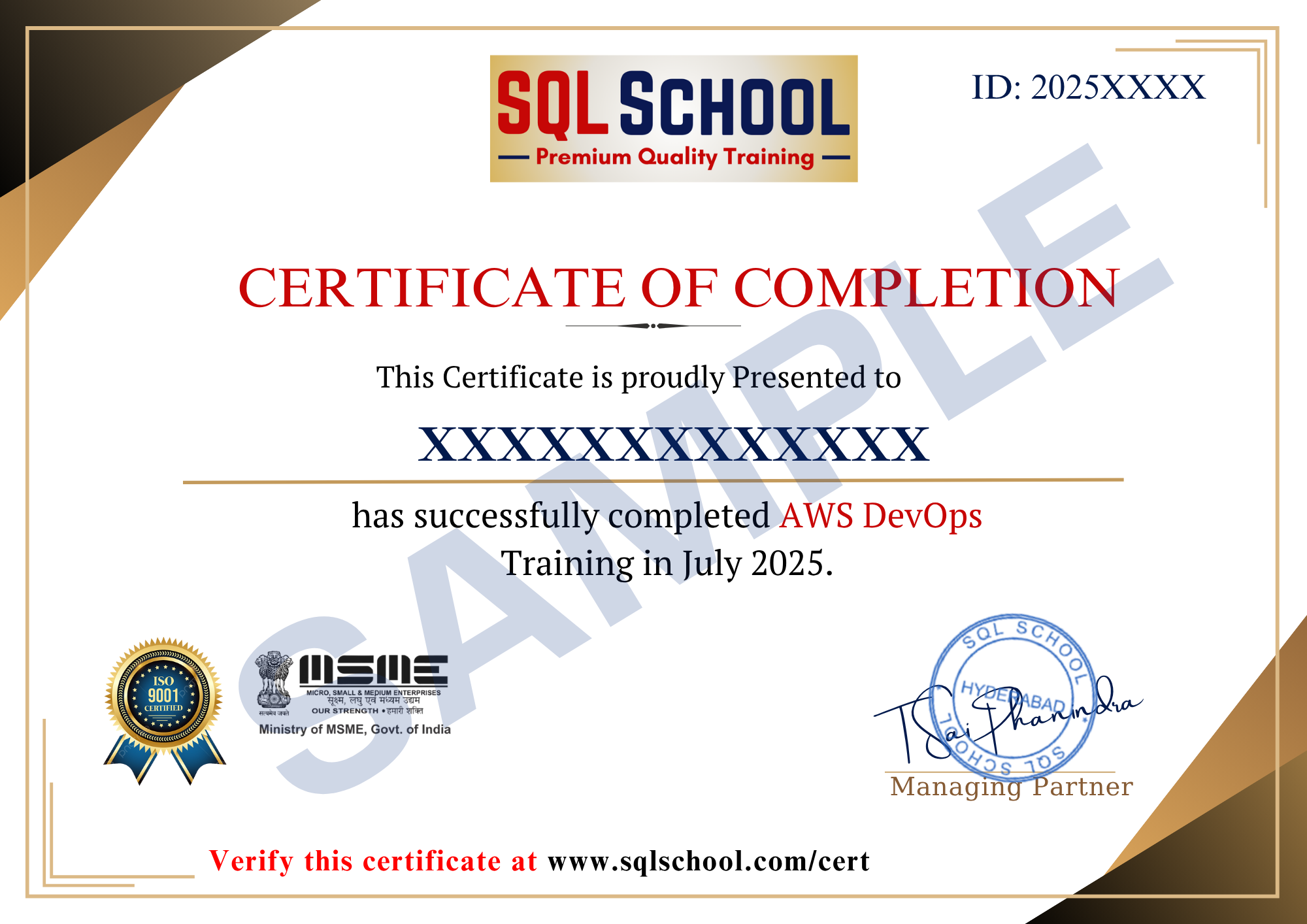
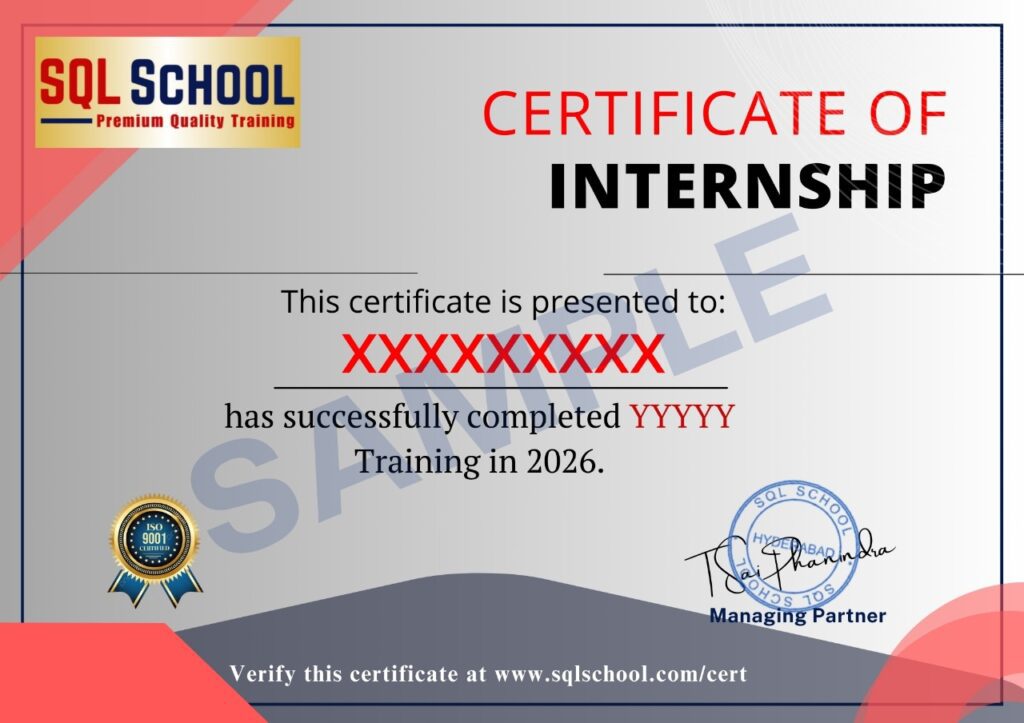
- Course Completion Certificate
- Placement Assistance
- Job Support