#AWS BI

🌐 AWS BI is the future of data analytics. From finance to healthcare, retail to tech, every industry relies on AWS to manage and process data. With Business Intelligence tools like Redshift, Glue, Athena, and Power BI, you can transform raw data into meaningful insights that drive business success. At SQL School, we make learning AWS BI simple, practical, and job-focused with step-by-step real-time training.

🚀 Build your career with AWS BI. Amazon Web Services powers the modern digital world, and when combined with BI tools, it becomes the ultimate solution for turning data into decisions. With SQL School’s hands-on training, you’ll master services like EC2, S3, Redshift, Glue, and Power BI—learning how to design complete BI solutions that are both industry-ready and future-proof.


Training Schedules

S NoTime (IST, Mon - Fri)Start Date
16 AM - 7 AMSep 30th
28 PM -9 PMSep 22nd
AWS BI Training Highlights

AWS BI
Course Contents:

Module 1 : AWS Data Engineer

Ch 1: Linux Introduction

  • Client-Server Architecture
  • GUI vs CLI
  • Navigating through CLI
  • Basic commands
  • File System Hierarchy
  • Help commands

Ch 2: File Hierarchy System

  • Relative Path Concepts
  • Absolute Path Concepts
  • Common File Types
  • Regular files
  • Directories, Links
  • Realtime Usage

Ch 3: File Management

  • Create Files, Directories
  • touch and mkdir
  • Directory Operations
  • Commands & Usage
  • File Editing Options
  • Text Editors (vim)

Ch 4: Basic User Management

  • User Login Activity
  • Viewing login records
  • Local User Authentication
  • /etc/passwd, /etc/shadow
  • useradd, usermod, userdel
  • Custom config & Profiles

Ch 5: Adv. File Management

  • File and Directory Access
  • Permissions Management
  • chmod Realtime Usage
  • Symbolic Mode
  • Numeric Mode
  • Configuring and using sudo

Ch 6: Variables

  • Environment variables
  • Shell variables
  • Variable Substitution
  • Command Substitution
  • Using backticks & $
  • Using LINUX in AWS

Ch 7: Cloud Computing

  • Cloud Architecture & Use
  • Cloud Computing Concepts
  • Cloud Impl. Models
  • Public, Private, and Hybrid
  • AWS Cloud : Properties
  • AWS Cloud : Advantages
  • AWS Cloud : Usage Scope

Ch 8: AWS Concepts

  • AWS Free Tier Account
  • Account setup
  • AWS Initial Configuration
  • AWS Global Infrastructure
  • Overview of Region
  • Availability Zones, Edges
  • AWS Console Options

Ch 9: Elastic Compute (EC2)

  • Creating EC2 Instances
  • Instance types, AMIs
  • Instance Launch Options
  • Security Groups, Ports
  • SSH Overview, Key Pairs
  • Key pair creation and SSH
  • Private vs Public vs Elastic IP

Ch 10: Security & IAM

  • IAM Introduction
  • Core IAM Architecture
  • Managing Users & Groups
  • Creating and managing IAM
  • Group Policies, Inline Policies
  • Difference and use cases
  • AWS Cloud Shell

Ch 11: EC2 Instance Storage

  • EBS : Elastic Block Store
  • Managing EBS Volumes
  • Volume Usage Options
  • EBS Snapshots & Usage
  • Cross-AZ, Replication
  • EBS Encryption
  • Amazon Machine Images

Ch 12: S3 Storage Service

  • S3 Buckets and Objects
  • S3 Usage Management
  • S3 Versioning, Policies
  • Access Control
  • Static Website Hosting
  • S3 Storage Classes
  • Automating Transitions

Ch 13: Cloud Network & VPC

  • Introduction to Networking
  • CIDR : Notation, Usage
  • Public, Private Subnets
  • Subnet Creation Options
  • Public and Private VPCs
  • VPC setup & Configuration

Ch 14: Elastic File System

  • Amazon EFS : Use
  • EFS: Creation, Usage
  • EFS Lifecycle Management
  • File Management in EFS
  • EBS vs EFS in Real-time
  • AWS Policy Simulator

Ch 15: Cost Management

  • AWS Budgets Overview
  • Budget Management
  • Cost Management Tools
  • AWS Cost Explorer
  • Cost / Pricing Reports
  • Price Optimization Strategies

Ch 16: AWS Kinesis – 1

  • Amazon Kinesis
  • Realtime Data Streaming
  • Amazon Kinesis Data streams
  • Creating Data Stream
  • Enhanced Fan-Out
  • Lambda function & Kinesis

Ch 17: AWS Kinesis – 2

  • Kinesis Firehose
  • Data Firehose Stream
  • Firehose – Transformations
  • Firehose with Lambda
  • ETL Implementations
  • Data Streaming

Ch 18: RDS DB Database – 1

  • Introduction to RDS
  • RDS Networking and Subnet
  • Create a VPC for RDS
  • RDS Subnet Group
  • Create an RDS Instance
  • View an RDS Instance

Ch 19: RDS DB Database – 2

  • RDS Usage in OLTP
  • RDS Backups and Snapshots
  • Restore RDS from Backup
  • Share RDS Snapshots
  • RDS Encryption in Transit
  • Delete an RDS Instance

Ch 20: RDS DB Database – 3

  • Authenticating to RDS
  • Credentials, IAM
  • Secrets Manager
  • RDS Parameter Groups
  • RDS Proxy, Multi-AZ RDS
  • RDS Read Replicas

Ch 21: Amazon Redshift – 1

  • Redshift overview
  • Clusters & Nodes
  • Create Redshift Cluster
  • Access Redshift Cluster
  • Query Editor, Node Types
  • Storage, Resizing Methods

Ch 22: Amazon Redshift – 2

  • Snapshots & Sharing
  • Resizing Snapshots
  • Redshift – VACCUM
  • Load Data From S3
  • Unload Data
  • Federated Queries
  • Redshift Spectrum

Ch 23: Amazon Redshift – 3

  • AWS RedShift Security
  • AWS RedShift Connections
  • Authentication Types
  • Optimization Options
  • Data Load Operations
  • Data Load Requirements
  • Transformations with ELT

Ch 24: Amazon Redshift – 4

  • Using ETL Tools
  • Need for AWS Lamda
  • Need for AWS Glue
  • Need for AWS Athena
  • AWS Redshift Tuning
  • AWS RedShift Connections

Ch 25: Lambda Introduction

  • What is serverless
  • AWS Lambda Introduction
  • AWS Lambda for Python
  • AWS Lambda Python code
  • Packages and Deployments
  • AWS Lambda configuration
  • AWS Lamda Settings

Ch 26: Lambda Implementation

  • AWS Lambda Layers
  • Python with Lamda
  • AWS Lambda – S3
  • Event Notifications in AWS
  • API Gateway Integration
  • Alias and Versions
  • AWS Lambda – Snapstart

Ch 27: AWS Athena

  • Athena overview
  • Query data using Athena
  • Federated Queries
  • Performance and cost
  • Workgroups
  • Workgroups (Hands-on)
  • Querying with Athena

Ch 28: AWS Glue – 1

  • AWS Glue overview
  • Need for AWS Glue
  • AWS Glue Usage Scope
  • Setting up Crawler
  • AWS Glue Costs
  • AWS Budgets

Ch 29: AWS Glue – 2

  • Stateful vs Stateless
  • Stateless Data Ingesting
  • Glue Transformations (ETL)
  • Glue Data Quality
  • Glue workflow
  •  Scheduling Crawlers & ETL

Ch 30: AWS Glue – 3

  • Run Glue ETL Jobs
  • Glue Job Types
  • Glue Job Types
  • AWS Glue DataBrew
  • Transformations
  • AWS Glue DataBrew

Module 2 : Power BI

Ch 1 : Power BI Introduction

  • Reporting Basics & Types
  • Interactive,Analytical Reports
  • Paginated Reports (RDL)
  • Power BI Eco System
  • Power BI Tools,Service,Server
  • Need for Power Query (M)
  • Need for DAX & Cloud

Ch 2: Power BI Basic Reports

  • Power BI Desktop Installation
  • Basic Report Design (PBIX)
  • Data View, Data Models
  • Data Points, Aggregations
  • Focus Mode, Spotlight, Exports
  • ToolTip, PBIX and PBIT
  • Visual Interactions & Edits

Ch 3 : Grouping, Hierarchies

  • Creating Groups in Power BI
  • Groups : Creation & Usage
  • Group Edits Options
  • Bins & Bin Size, Bin Count
  • Hierarchies: Creation, Use
  • Drill Down, Drill Up
  • Conditional Drill Down

Ch 4 : Visual Sync, Filters

  • Slicer & Single Select
  • Multi Select Options
  • Integer, Character Slicers
  • Visual Sync with Slicers
  • Filters: Visual, Page, Report
  • Drill Thru Filters & Usage
  • Basic, Top & Advanced
  • Clear Filter Options, Resets

Ch 5 : Bookmarks, Big Data

  • Bookmarks Creation & Usage
  • Visual Interactions, Bookmarks
  • Images : Actions, Bookmarks
  • Big Data Access with Power BI
  • Storage Modes: Direct Query
  • Import & Performance Impact
  • Formatting & Data Refresh
  • Summary, Date Time Formats

Ch 6 : Power BI Visualizations

  • Chart and Bar Visuals
  • Line and Area Charts
  • Maps, TreeMaps, HeatMaps
  • Funnel, Card, Multrow Card
  • PieCharts & Settings
  • Waterfall, Sentiment Colors
  • Scatter Chart, Play Axis
  • Infographics, Classifications

Ch 7 : Power Query Level 1

  • Power Query (Mashup)
  • ETL Transformations in PBI
  • Power Query Expressions
  • Table Combine Options
  • Merge, Union All Options
  • Table Transformations

Ch 8 : POWER QUERY LEVEL 2

  • Any Column Transformations
  • String / Text Transformations
  • Numeric Analytics & Mashup
  • Date Time Transformations
  • Add Column Transformations
  • Expressions and New Columns

Ch 9 : POWER QUERY LEVEL 3

  • Parameters in Power Query
  • Static Parameters, Defaults
  • Dynamic Dropdowns, Lists
  • Linking with Table Queries
  • Column From Examples
  • Step Edits, Type Conversions

Ch 10 : Power BI Cloud – 1

  • Power BI Cloud Concepts
  • Workspace Creation, Usag
  • Report Publish & Edits
  • Semantic Models in Realtime
  • Dashboard Creation, Usage
  • Clone, Share, Subscribe
  • Q&A, Lineage, Settings

Ch 11 : Power BI Cloud – 2

  • Data Gateways, Data Refresh
  • Data Source Configurations
  • Data Refresh & Scheduling
  • Gateway Optimizations
  • Semantic Model Optimizations
  • Report Optimizations
  • Dashboard Optimizations

Ch 12 : Power BI Cloud – 3

  • Power BI Apps, Shares
  • App Sections & Options
  • App Updates, Security
  • Excel Analytics
  • Data Explorer Option
  • Sharing, Subscriptions
  • Alerts, Metrics, Insights

Ch 13 : Report Server & DAX

  • Power BI Report Server
  • Report Database, TempDB
  • Web Service & Server URL
  • Paginated Reports (RDL)
  • Report Builder Tool Usage
  • DAX : Purpose, Realtime Use

Ch 14: DAX Level 2

  • DAX Measures Creation, Use
  • DAX Functions: IIF, ISBLANK
  • SUM, CALCULATE Functions
  • DAX Cheat Sheet : Examples
  • Quick Measures in Power BI
  • Running Totals, Filters

Ch 15 : DAX Level 3

  • Star Rating Calculations
  • Data Models & DAX
  • Star & Snowflake Schemas
  • Dimensions, Fact Tables
  • DAX Expressions & Joins
  • DAX Variables, Usage

Ch 16 : DAX Level 4

  • Dynamic Report with DAX
  • SELECTED MEMEBER
  • Time Intelligence with DAX
  • PARALLELPERIOD, DATE
  • DAX with Big Data
  • Big Data Analytics

Ch 17 : Realtime Project Phase 1

  • Project Requirement Spec
  • Understanding Data, Formats
  • Report Pattern Design
  • Report Design & Modelling
  • Power Query, DAX, Insights
  • Analytical Reports in Cloud

Ch 18 : Realtime Project Phase 2

  • Complete Project Solution
  • Project FAQs, Key Roles
  • Real-world Considerations
  • Power BI Admin Concepts
  • Resume Points, FAQs
  • PL 300 Exam Guidance

SQL SCHOOL

24x7 LIVE Online Server (Lab) with Real-time Databases.
Course includes ONE Real-time Project.

AWS BI Training FAQ's

What is AWS BI Job Role?

An AWS BI (Business Intelligence) Engineer is responsible for building data analytics and reporting solutions using AWS cloud services. The role focuses on ingesting, transforming, modeling, and visualizing data using services like Amazon Redshift, Glue, QuickSight, S3, Athena, and Lambda. AWS BI Engineers enable organizations to make data-driven decisions by delivering secure, scalable, and cost-effective analytics solutions in the cloud.

What are the Job Roles of an AWS BI Engineer?

💼 Top Job Roles:

1️⃣ Design and implement data warehouses using Amazon Redshift
2️⃣ Build ETL pipelines with AWS Glue, Lambda, and Data Pipeline
3️⃣ Perform data transformations, aggregations, and enrichment
4️⃣ Develop interactive dashboards and reports using QuickSight
5️⃣ Ensure data security, compliance, and governance
6️⃣ Optimize query performance, manage costs, and monitor analytics workloads and more..!

What does our Fabric Data Analyst Training course contains?

The course is carefully curated with below module:
👉🏻Module 1: AWS Data Engineer
👉🏻Module 2: Power BI

Who can join this course?

  •  Freshers interested in cloud BI and analytics
  • SQL/BI professionals expanding to AWS BI tools
  • ETL developers moving to AWS cloud solutions
  • Data analysts aiming for AWS BI certifications
  • Anyone looking to build enterprise BI solutions on AWS

No prior coding experience is required. All concepts are taught from scratch

What training modes are available?

Option 1:        LIVE Online Training  (100% Interactive, step by step, assignments)

Option 2:        Self Paced Videos (100% practical, step by step with concept wise assignments)

You may choose any one of these options, same curriculum!

I (Trainer) shall be available for doubts and clarifications, assignment check and review.

Why should I choose SQL School for AWS BI training?

👉🏻 Every session is Practical, Step by Step with Concept wise FAQs !!

👉🏻 100% results with on-time practice.  Daily Tasks for every session.

👉🏻 Concept wise tasks be submitted before next class for Job Waiters / Starters.

👉🏻 Concept wise tasks due for submission by Weekends for Working Professionals.

Why Choose SQL School

  • 100% Real-Time and Practical
  • ISO 9001:2008 Certified
  • Weekly Mock Interviews
  • 24/7 LIVE Server Access
  • Realtime Project FAQs
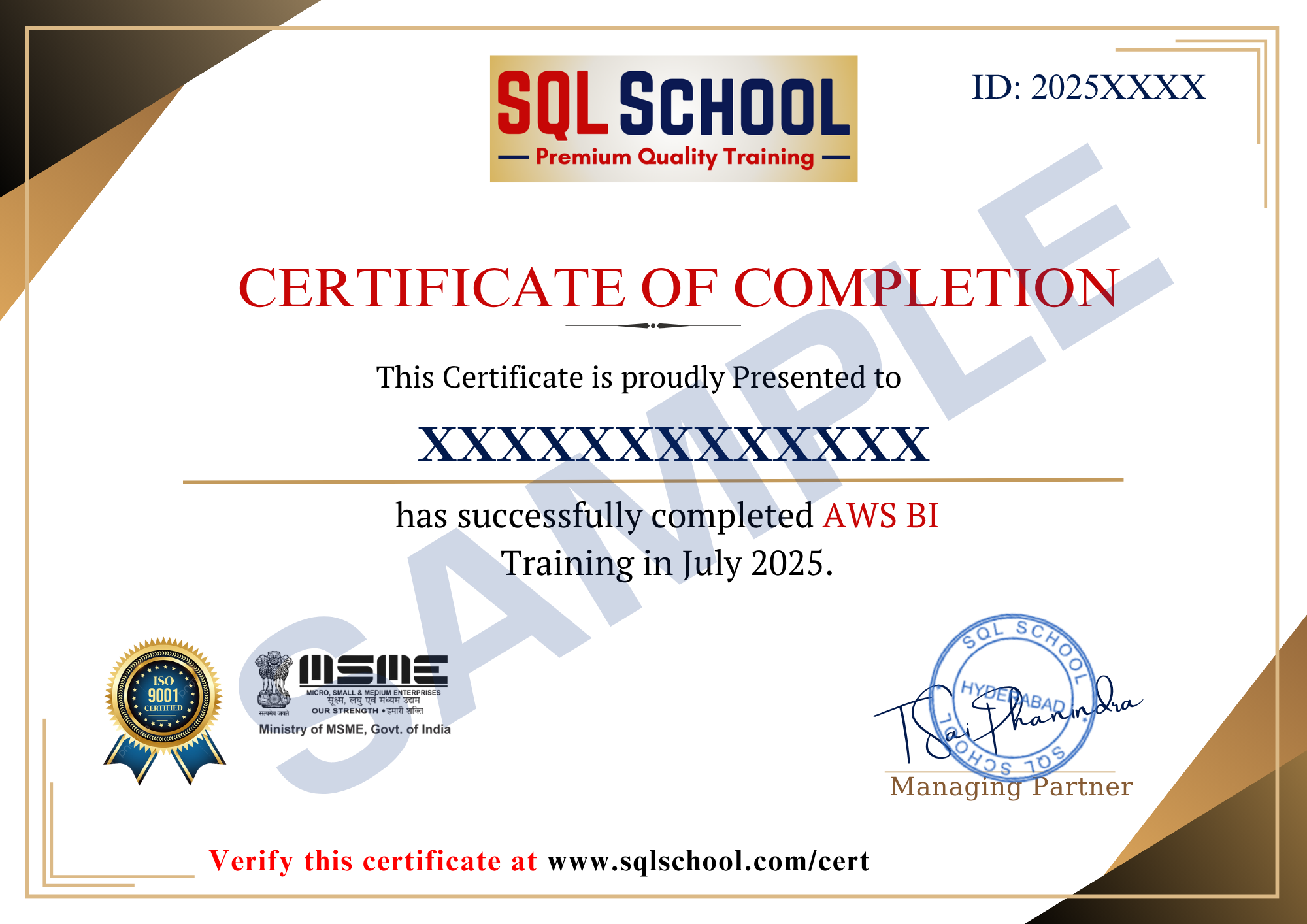
  • Course Completion Certificate
  • Placement Assistance
  • Job Support