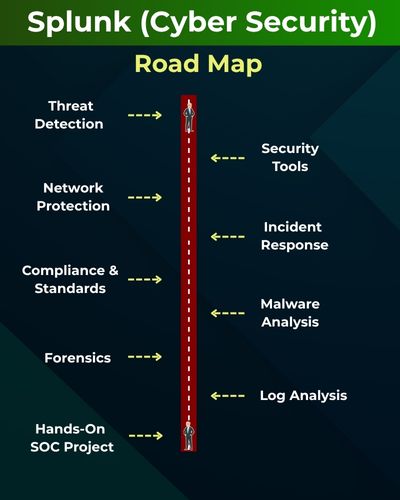
Module 1: Splunk Concepts, Development & Search
Module 2: Splunk Administration
Duration includes 1.5 months of training + real-time project.
Splunk is a powerful data analytics and security platform that helps monitor, analyze, and visualize machine data in real time. It enables threat detection, incident response, and IT operations through AI-driven insights. Learning Splunk prepares you for roles like SOC Analyst, Security Engineer, or Splunk Administrator.
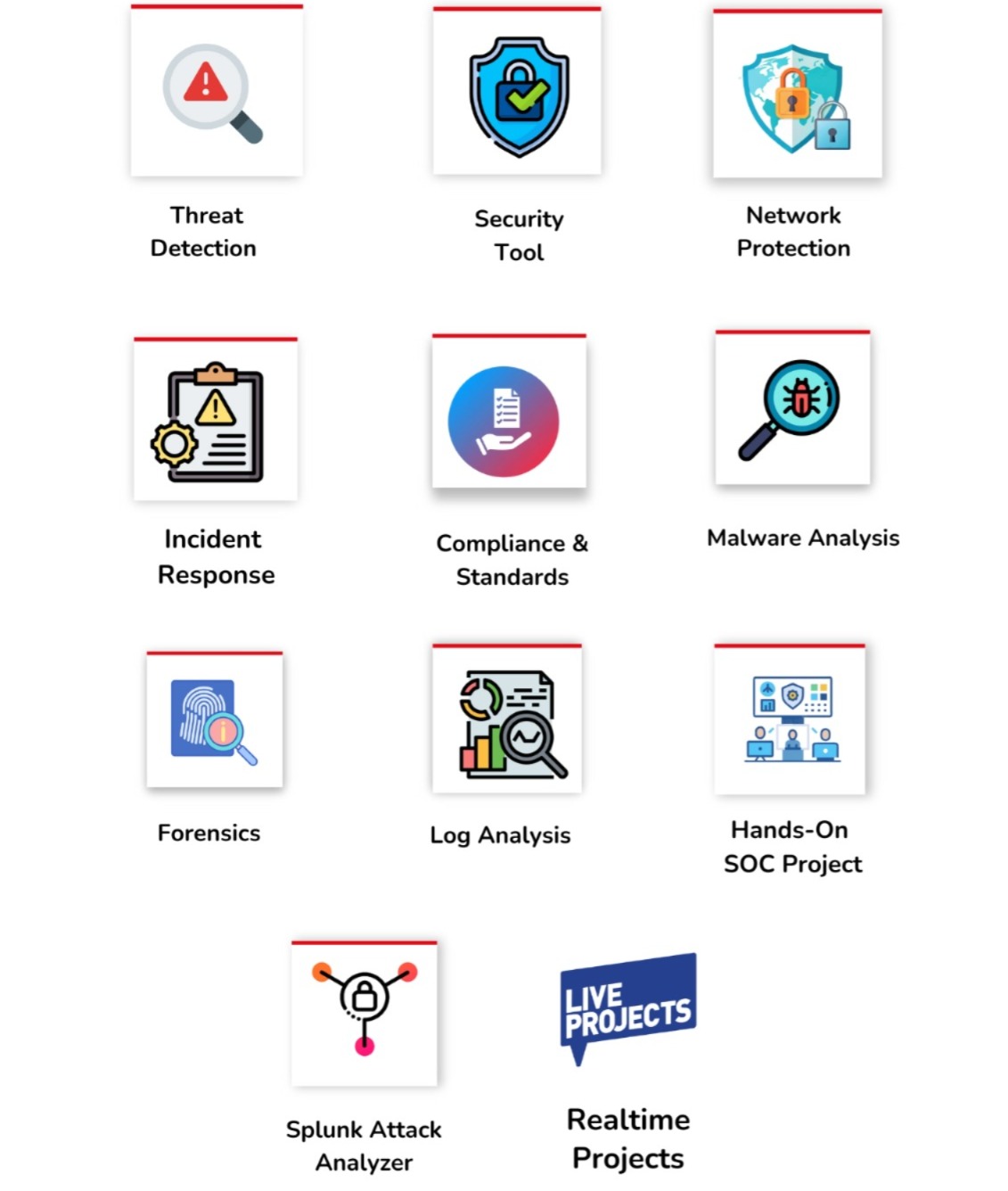
✅Threat Detection Techniques
✅Hands-On Security Tools
✅Network Protection Strategies
✅Incident Response Planning
✅Compliance and Standards
✅Malware Analysis & Forensics
✅ Log Analysis & Incident Response
✅ Hands-On SOC Project Implementation
✅ 1:1 Mentorship, Resume & Job Assistance
Module 1 : Splunk Developer
Ch 1: Cyber Security Introduction
- What is Cyber Security?
- Cyber Security Concepts
- On-Premise & Cloud Security
Ch 2: Introduction to Splunk
- What is Splunk?
- Basic overview of Splunk
- Splunk architecture
Ch 3: Splunk Installations
- Splunk Implementations
- Splunk in On-Premises
- Installing, Configuring Splunk
- Spunk UI – Usage
Ch 4: Splunk Operations – Level 1
- Splunk Search Concepts
- Basic Search
- Refine search
- Time range
Ch 5: Splunk Operations – Level 2
- Auto Complete Search
- Search Job Controls
- Search Content Consolidation
- Search Content Reporting
Ch 6: Fields in Searches
- Fields in Searches Concept
- Search Architecture
- Deploying Fields sidebar
- Using Field Extractor
- FX to delimited Field extraction
Ch 7: Search Schedules
- Writing queries for Search
- Sharing search results
- Saving Search Results
- Scheduling and exporting search issues
Ch 8: Reporting Commands
- Add coltotals functions
- Add totals functions
- Top Functions
- rare and stats
Ch 9: Splunk Visualization
- Overview of Visualization
- Creation of charts
- Time Charts
- Format results
- Omit null values
Ch 10: Building Reports and Dashboards
- Building search charts, and dashboards
- Making changes to reports and dashboards
- Adding reports to dashboards
Ch 11: Tags and Events
- Overview of Tags in Splunk
- Using Tags in Splunk search
- Overview of various event types
- Introduction to event types and utility
- Creation, implementation of event types
Ch 12: Developing and using Macros
- Introduction to Macro
- Variables in Macro
- arguments in Macros
Ch 13: Workflow
- Workflow creation
- search workflow actions
- Post workflow actions
Ch 14: Splunk Search Commands
- Introduction to the search command
- Understanding search
- What is a search pipeline
- Highlighting the syntax
- The process to specify the index in search
- Deploying commands like tables, sort, fields, rename, sort, and
Ch 15: Analysing, Calculating and Formatting Results
- Calculation of results
- Analysis of results
- Value conversion
- Format values
- Roundoff
- Conditional statements
- Using the eval command
- Filtering search results
Ch 16: Data Lookups
- Understanding Data Lookups
- Lookup Tables
- Configuring automatic Lookups
- Deploying Lookups in Searches
- Deploying reports in reports
Ch 17: Common Information Model
- Overview of Splunk SIM model
- Using CIM to normalize data1
Ch 18: Single Value and Mapping Commands
- Geostats, geom
- Iplocation
- Addtotals commands
Module 2 : Splunk Admin
Ch 19: Distributed Management Console
- Basics of Splunk Distributed Management Console
- Cluster indexing
- Process to deploy distributed search in Splunk
- User authentication and monitoring
- Forward Management
Ch 20: Splunk App
- The need for Splunk Apps
- Procedure to develop Splunk applications
- Splunk App add-ons
- Splunk base Concepts
- The process to use Splunk apps
- App permissions and deploying
- Apps on-forwarder
Ch 21: Splunk Indexes and users
- Data of index time configuration file
- Overview of search time configuration file
Ch 22: Splunk Configuration Files
- Forward Installation
- Search time and index time configuration
- Universal Forwarder management
- Input and output configuration
Ch 23: Splunk Deployment Management
- Implementation of Splunk tool
- Splunk Deployment on the server
- Setting up the Splunk environment
- Splunk client group deployment
Ch 24: Splunk Indexes
- Overview of Splunk Indexer
- Separating the Splunk indexes
- Overview of Splunk
- Index storage estimation
Ch 25: User role and Authentication
- A brief overview of role inheritance
- Splunk Authentications
- LDAP authentications
- Native authentications
Ch 26: Splunk Administration Environment
- Data Inputs
- Splunk important concepts
- App management
- Search indexer and forwarder
- Parsing machine-generated data
Ch 27: Production environment
- Overview of Splunk configuration files
- Data management
- Solving issues and continuous monitoring
Ch 28: Splunk Search Engine
- Machine-generated data : operational intelligence
- Configuring reports, dashboards, and charts
- Indexer Clustering and Search Head Clustering
Ch 29: Different Splunk Input Methods
- Overview of various input methods
- Deploying a scripted network and windows
- Overview of Agentless inputs
Ch 30: Splunk User and Index Management
- User authentication
- Role assigning
- Administering Splunk indexes
Ch 31: Splunk Cluster Implementation
- Introduction to Cluster indexing
- Cluster behaviour configuration
- Individual nodes configuration
- Configuring Search Behaviour
- Handling a peer node, a master node, and a search
Ch 32: Splunk Cluster Implementation
- Introduction to Cluster indexing
- Cluster behaviour configuration
- Individual nodes configuration
- Configuring Search Behaviour
- Handling a peer node, a master node, and a search
Ch 33: Project Work for your Resume (Banking Domain)
What is the Splunk Dev & Admin Training?
This course teaches complete Splunk Development, Splunk Administration, SIEM analytics, cyber security essentials, big data search, dashboards, alerts, clustering, indexing, and real-time SOC operations.
Who can join this Splunk course?
Anyone — freshers, cyber security learners, network admins, system admins, consultants, and professionals wanting to move into SOC, SIEM, or Security Analytics roles. No prerequisites.
What job roles can I apply for after this training?
Splunk Engineer, Splunk Administrator, Splunk Analyst, Cyber Security Analyst, SIEM Engineer, and Site Reliability Engineer.
Does the Splunk training include Cyber Security basics?
Yes. Cyber security fundamentals, on-prem and cloud security, threat concepts, and SOC workflows are included to help students understand SIEM operations.
What Splunk basics will I learn in this course?
Splunk architecture, installation, configuration, UI usage, search basics, refining searches, time ranges, autocomplete search, job controls, and search content consolidation.
Will I learn Splunk Search & Querying?
Yes. You will learn search commands, pipelines, filtering, rex, table, sort, fields, rename, stats, top, rare, eval, conditional expressions, and search scheduling.
What reporting and dashboard skills will I gain?
Creating reports, dashboards, time charts, visualizations, formatting results, adding panels, saving searches, sharing, exporting, and real-time SIEM dashboards.
Does the training include Splunk Field Extraction?
Yes. Field extractor usage, delimited extraction, field sidebar, search architecture, and deploying custom fields are included.
Will I learn Macros, Tags & Event Types?
Yes. Macro creation, arguments, variables, tags, event types, and their implementation in searches and dashboards are covered.
Does the course include Splunk Lookup Tables?
Yes. Lookup creation, automatic lookups, configuring lookups in searches, and using them for enrichment and reporting are included.
Will I learn the Splunk Common Information Model (CIM)?
Yes. CIM concepts, normalization, field standardization, and how SOC teams use CIM for threat investigations are included.
Do you teach Splunk Administration?
Yes. Distributed Management Console, cluster indexing, deployment management, forwarder management, user authentication, monitoring, configuration files, and Splunk environment setup.
What will I learn about Splunk Indexing?
Indexer overview, storage estimation, index configurations, index management, index-time and search-time configurations, and parsing machine-generated data.
Will I learn Splunk Apps and Add-ons?
Yes. App development, add-ons, SplunkBase usage, app permissions, and deploying apps on forwarders and search heads.
Does the course include Splunk Forwarders?
Yes. Universal Forwarder management, inputs & outputs configuration, scripted inputs, Windows inputs, and agentless inputs.
Will I learn Splunk Clustering?
Yes. Search Head clustering, Indexer clustering, master node configuration, peer nodes, replication, and distributed search architecture.
Do you teach real-time SOC & SIEM operations?
Yes. Machine-generated data analysis, logs ingestion, dashboards for monitoring, threat identification techniques, and security operations workflows.
Is there a real-time project included?
Yes. A complete Banking Domain project where you build dashboards, alerts, searches, clustering setups, and include them in your resume.
What training modes are available?
Live Online Training and Self-Paced Videos. The brochure also includes trainer contact, website, and training mode details.
Placement Partners


























SQL SCHOOL
24x7 LIVE Online Server (Lab) with Real-time Databases.
Course includes ONE Real-time Project.
#Top Technologies



Why Choose SQL School

- 100% Real-Time and Practical
- ISO 9001:2008 Certified
- Weekly Mock Interviews
- 24/7 LIVE Server Access
- Realtime Project FAQs
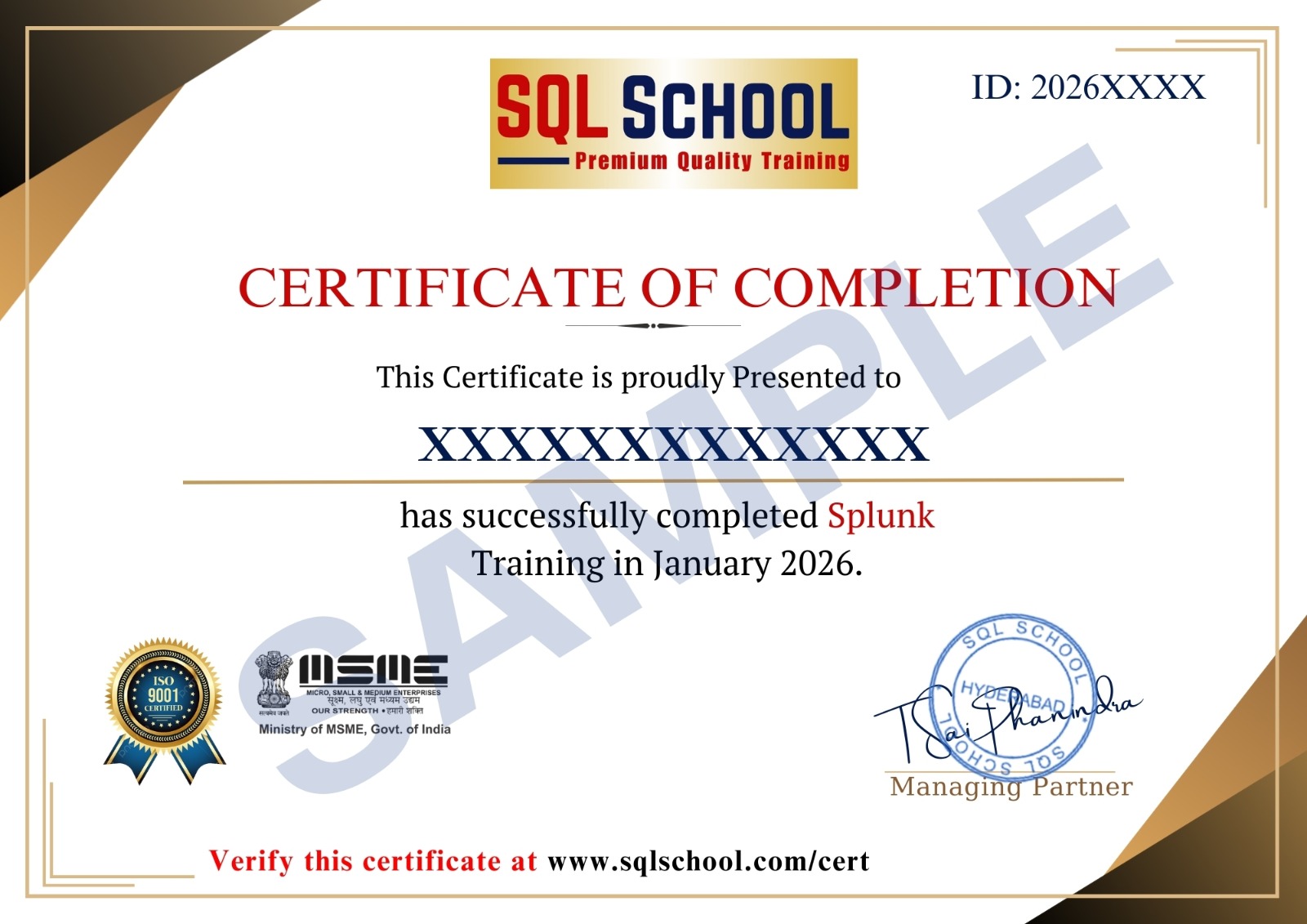
- Course Completion Certificate
- Placement Assistance
- Job Support