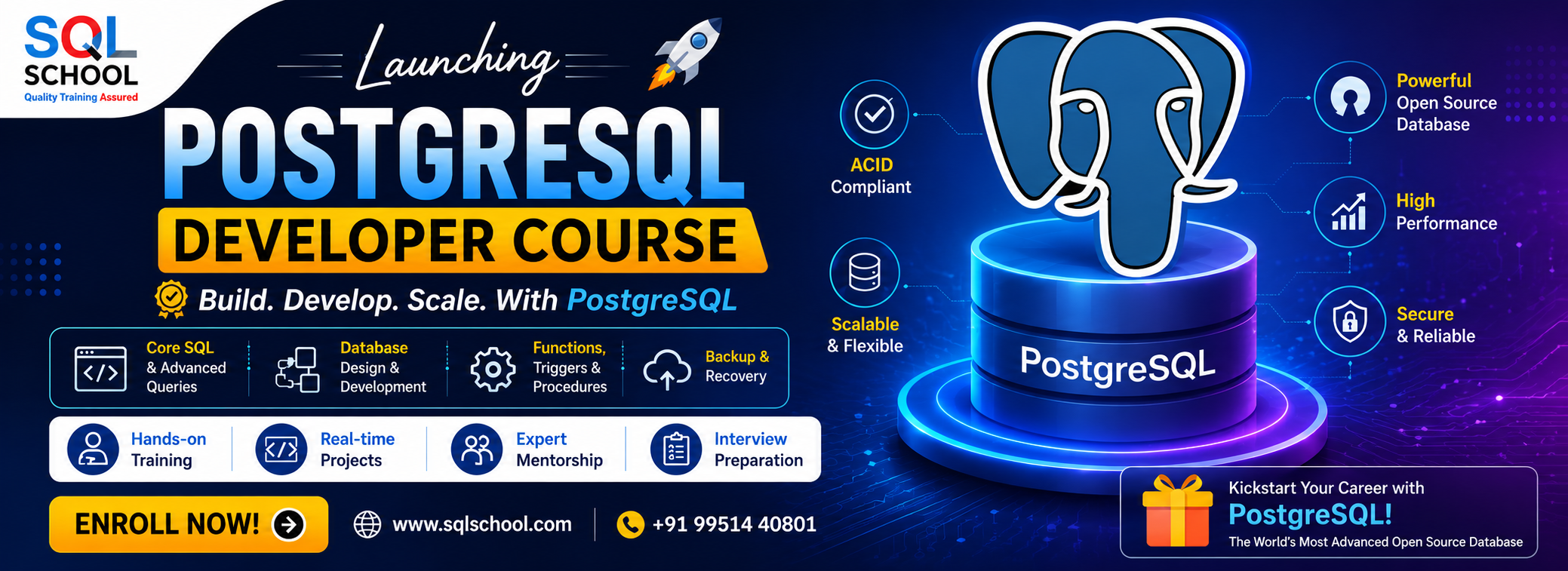
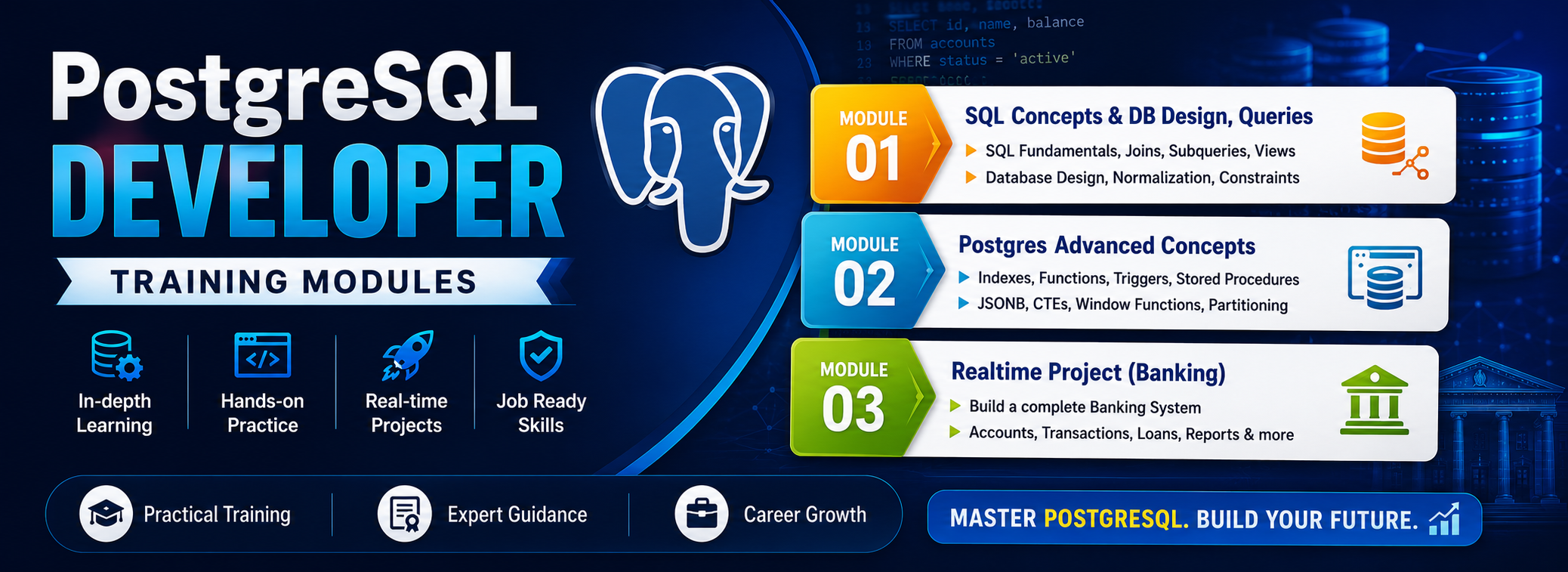
PostgreSQL Developer has become one of the most sought-after roles in modern data-driven organizations. A PostgreSQL Developer specializes in designing, developing, and optimizing database applications using the powerful features of PostgreSQL. They work on creating efficient SQL queries, stored procedures, and data models to ensure high performance and scalability.
✅ PostgreSQL, Advanced Joins
✅ Stored Procedures & Functions
✅ Triggers, Views & CTEs
✅ JSON, Arrays & Data Types
✅ Query Optimization, Indexes
✅ Transactions & Concurrency
✅ PL/pgSQL Programming
✅ Extensions (PostGIS, hstore)
✅ Real-Time PostgreSQL Projects
✅ 1:1 Mentorship & Career Prep
Module 1: PostgreSQL DBA
Chapter 1: Introduction to PostgreSQL
- Overview of PostgreSQL
- History and Evolution of PostgreSQL
- Features, Versions and Benefits of PostgreSQL
- PostgreSQL Architecture
Chapter 2: Installation
- Installing PostgreSQL on Windows
- Installing PostgreSQL on Linux using Yum repository and RPM
- Installing PostgreSQL on Linux using Source Code
- Installing PostgreSQL on Linux using Contrib Module
Chapter 3: Configuration File & Directory Layout
- Data Directory
- Configuration Files (postgresql.conf, conf, pg_ident.conf)
- Other Physical Files
- Database Directory Layout
- Base Directory
Chapter 4: Database Cluster
- PostgreSQL Cluster (Initdb, Start/Stop/Restart/Reload)
- Start and stop using
- PostgreSQL Cluster Demo on Windows
- PostgreSQL Cluster Demo on Linux
Chapter 5: Process & Memory Architecture
- Postmaster Process
- Utility Processes
- Memory Segments & Memory Components
Chapter 6: Create Objects (Database/User/Schema) and Privileges
- Create/Drop Database
- Create/Drop User
- Create/Drop Schema and Search Schema Path
- Grant/Revoke Privileges on Database Objects
Chapter 7: Tools (psql & pgAdmin) and catalog
- Using psql command line interface (CLI)
- pgAdmin(GUI) : Practical Use
- g_catalog : Realtime Usage
- Information_Schema & Medata Audits
Chapter 8: CRUD Operations
- CRUD Introduction
- Create Table, Data Types, Constraints, Functions and Operators
- Retrieve Data in PostgreSQL
- Update Records in a Table
- Delete Records in a Table
- Truncate
Chapter 9: Tablespaces
- Tablespace Introduction
- Default Tablespace (pg_default & pg_global)
- Local & Global Tablespaces
- Create/Drop Tablespaces
- Temporary Tablespace
Chapter 10: Backup and Restore
- Introduction to PostgreSQL Backups
- Backup using pg_dump and psql utilities
- Restore using pg_restore and psql utilities
- Offline Backups
- Online Backups
- pg_basebackup utility
Chapter 11: Advanced Backup & Restore
- pgBackRest
- Point-In-Time-Recovery (PITR)
Chapter 12. MVCC (Multi-Version Concurrency Control) in PostgreSQL
- What is MVCC in PostgreSQL?
- How does MVCC work in PostgreSQL?
- Key Data Structures in MVCC
- Benefits of MVCC in PostgreSQL
- Transaction ID Wraparound
Chapter 13. Database Maintenance, Vacuum and Analyze
- Introduction to Maintenance
- Vacuum
- Analyze
- Statistics
- Clustering
- Auto-Vacuum
Chapter 14: Joins and Constraints
- Introduction on Joins and Constraints
- Join Types (Inner, Equi and Outer)
- Constraints (Primary Key, Unique, Foreign Key and NOT NULL ..)
- SERIAL Column
- ER Diagram
Chapter 15: Indexing and Types
- Introduction to Indexes
- Basic Index Types (B-Tree, Hash and Function/Expression)
- Advanced Index Types (GiST, SP-GiST, GIN and BRIN).
Chapter 16: Performance Tuning – Part 1
- Database Tuning (Vacuum, Analyze, Partitioning ..)
- Query Tuning (EXPLAIN, ANALYZE, Indexing, Optimize JOINs, Optimize Subqueries)
Chapter 17: Performance Tuning – Part 2
- Configuration Tuning
(shared_buffers, effective_cache_size, work_mem, maintenance_work_mem and etc…)
- Monitoring and Maintenance (pg_stat_statements and pg_stat_user_tables).
- Hardware Tuning (CPU, Memory, Storage and Network)
Chapter 18: Data Loading
- Moving, Copying, Export, Import, copy ..
- pgloader
- Foreign Data Wrappers (FDW)
Chapter 19: Extensions
- What are Extensions in PostgreSQL?
- Types of Extensions in
- Examples of Extensions in
- How to Install/Uninstall Extensions in PostgreSQL
Chapter 20: High Availability and Replication
- High Availability Architecture
- Master/Primary and Slave/Standby
- HA step-by-step configuration using Streaming Replication
- Manual Failover and Switchover
- promote command
Chapter 21-22: Advanced -1 High Availability Concepts
- HA step-by-step setup using Streaming Replication
- HA step-by-step using Logical Replication
- Automatic Failover & Switchover
Chapter 23-24: Advanced -2 High Availability Tools and Software
- pgpool: A PostgreSQL-specific connection pooling and replication tool
- repmgr: A tool for managing PostgreSQL replication clusters
- Patroni: A PostgreSQL-specific high availability tool that provides automated failover and switchover
Chapter 25-26: PostgreSQL HA and disaster recovery (DR) strategies
- Introduction to disaster recovery (DR)
- High Availability Strategies (Master-Slave, Master-Master, Multi-Master)
- Disaster Recovery Strategies (PITR, Backup and Restore and Replication)
- Tools and Software required for DR
Chapter 27: Performance Tuning Using Server Parameters and Partitioning.
- Introduction to Server Parameters
- Tune Server Parameters
- Partitioning
Chapter 28: Migration to PostgreSQL.
- Manual Migration
- Using pg_dump and pg_restore
- Using Database Migration Tools
- Using Third-Party Tools
Chapter 29: upgrade PostgreSQL
- Upgrade Methods
- Minor version upgrades
- Major version upgrades
- Common Issues and Solutions
Chapter 30: Monitoring and Reports
- Monitoring using Grafana
- Monitoring using pg_stat_statments
- pgBadger
Module 2: Azure PostgreSQL DBA
Chapter 31: Azure Cloud Introduction and Fundamentals
- Cloud Fundamentals
- Cloud Concepts, Benefits
- IaaS, PaaS, SaaS Cloud Types
- Azure Cloud Concepts
- Azure Resources & Usage
- Azure Services & Purpose
- Azure Account & Subscription
Chapter 32: Benefits of Running PostgreSQL in Azure
- Scalability
- High Availability
- Security
- Cost-Effective
Chapter 32: Azure PostgreSQL Options
- PostgreSQL database on Azure Virtual Machines
- Fully Managed Azure Database for PostgreSQL
- Azure Kubernetes Service (AKS)
Chapter 33: Create Objects and CRUD operations in AZURE
- Create/Drop Databases
- Create/Drop Users
- Create/Drop Tables
- SELECT, INSERT, UPDATE, DELETE and TRUNCATE
Chapter 34: PostgreSQL DB Migrations in AZURE
- Azure Database Migration Service (DMS)
- Azure Data Factory (ADF)
- pg_dump and pg_restore
- Azure Database for PostgreSQL Migration Tool
- Third-party tools
Chapter 35: Backup and Automated Backup in AZURE
- Backup Options in Azure for PostgreSQL
- Automated Backup Options in Azure for PostgreSQL
- Configuring Automated Backups in Azure for PostgreSQL
- Best Practices for Backing up PostgreSQL Databases in Azure
Chapter 36: Restore a Backup in AZURE
- Restore Options in Azure for PostgreSQL
- Restoring a Database using Backup Restore
- Restoring a Database using pg_restore
- Restoring a Database using Point-in-Time Restore (PITR)
- Best Practices for Restoring PostgreSQL Databases in Azure
Chapter 37: Performance Tuning of PostgreSQL database in AZURE
- Azure-Specific Performance Tuning
- PostgreSQL Configuration Tuning
- Query Optimization
- Monitoring and Maintenance
Chapter 38: PostgreSQL HA in AZURE
- HA Architectures
- Azure Native HA Options
- Third-Party HA Options
- Best Practices
Chapter 39: PostgreSQL disaster recovery (DR) in Azure
- Disaster Recovery Options
- Disaster Recovery Strategies
- Azure Services for Disaster Recovery
- Best Practices
Chapter 40: Realtime Project
- Project Requirements
- Project Solution
- Project FAQs
- Resume Guidance
- More. !
SQL SCHOOL
24x7 LIVE Online Server (Lab) with Real-time Databases.
Course includes ONE Real-time Project.
#Top Technologies
Who is SQL School? How far you have been in the training services ?
SQL School is a registered training institute, established in February 2008 at Hyderabad, India. We offer Real-time trainings and projects including Job Support exclusively on Microsoft SQL Server, T-SQL, SQL Server DBA and MSBI (SSIS, SSAS, SSRS) Courses. All our training services are completely practical and real-time. CREDITS of SQL School Training Center
- We are Microsoft Partner. ID# 4338151
- ISO Certified Training Center
- Completely dedicated to Microsoft SQL Server
- All trainings delivered by our Certified Trainers only
- One of the few institutes consistently delivering the trainings for more than 20+ Years online as inhouse
- Real-time projects in
- Healthcare
- Banking
- Insurance
- Retail Sales
- Telecom
- ECommerce
I registered for the Demo but did not get any response?
Make sure you provide all the required information. Upon Approval, you should be receiving an email containing the information on how to join for the demo session. Approval process usually takes minutes to few hours. Please do monitor your spam emails also.
Why you need our Contact Number and Full Name for Demo/Training Registration?
This is to make sure we are connected to the authenticated / trusted attendees as we need to share our Bank Details / Other Payment Information once you are happy with our Training Procedure and demo session. Your contact information is maintained completely confidential as per our Privacy Policy. Payment Receipt(s) and Course Completion Certificate(s) would be furnished with the same details.
What is the Training Registration & Confirmation Process?
Upon submitting demo registration form and attending LIVE demo session, we need to receive your email confirmation on joining for the training. Only then, payment details would be sent and slot would be allocated subject to availability of seats. We have the required tools for ensuring interactivity and quality of our services.
Please Note: Slot Confirmation Subject to Availability Of Seats.
Will you provide the Software required for the Training and Practice?
Yes, during the free demo session itself.
How am I assured quality of the services?
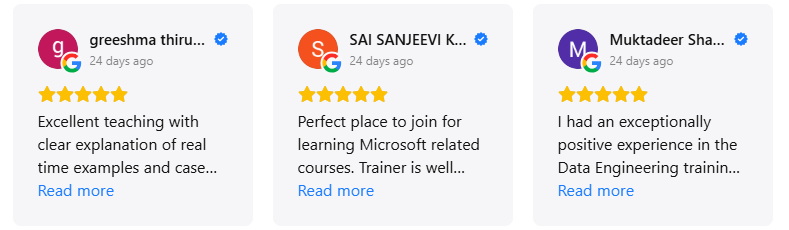
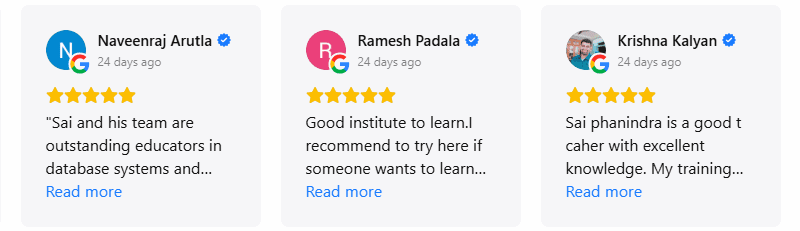
We have been providing the Trainings – Online, Video and Classroom for the last 20+ years – effectively and efficiently for more than 100000 (1 lakh) students and professionals across USA, India, UK, Australia and other countries. We are dedicated to offer realtime and practical project oriented trainings exclusively on SQL Server and related technologies. We do provide 24×7 Lab and Assistance with Job Support – even after the course! To make sure you are gaining confidence on our trainings, participans are requested to attend for a free LIVE demo based on the schedules posted @ Register. Alternatively, participants may request for video demo by mailing us to contact@sqlschool.com Registration process to take place once you are happy with the demo session. Further, payments accepted in installments (via Paypal / Online Banking) to ensure trusted services from SQL School™
YES, We use Enterprise Edition Evaluation Editions (Full Version with complete feature support valid for SIX months) for our trainings. Software and Installation Guidance would be provided for T-SQL, SQL DBA and MSBI / DW courses.
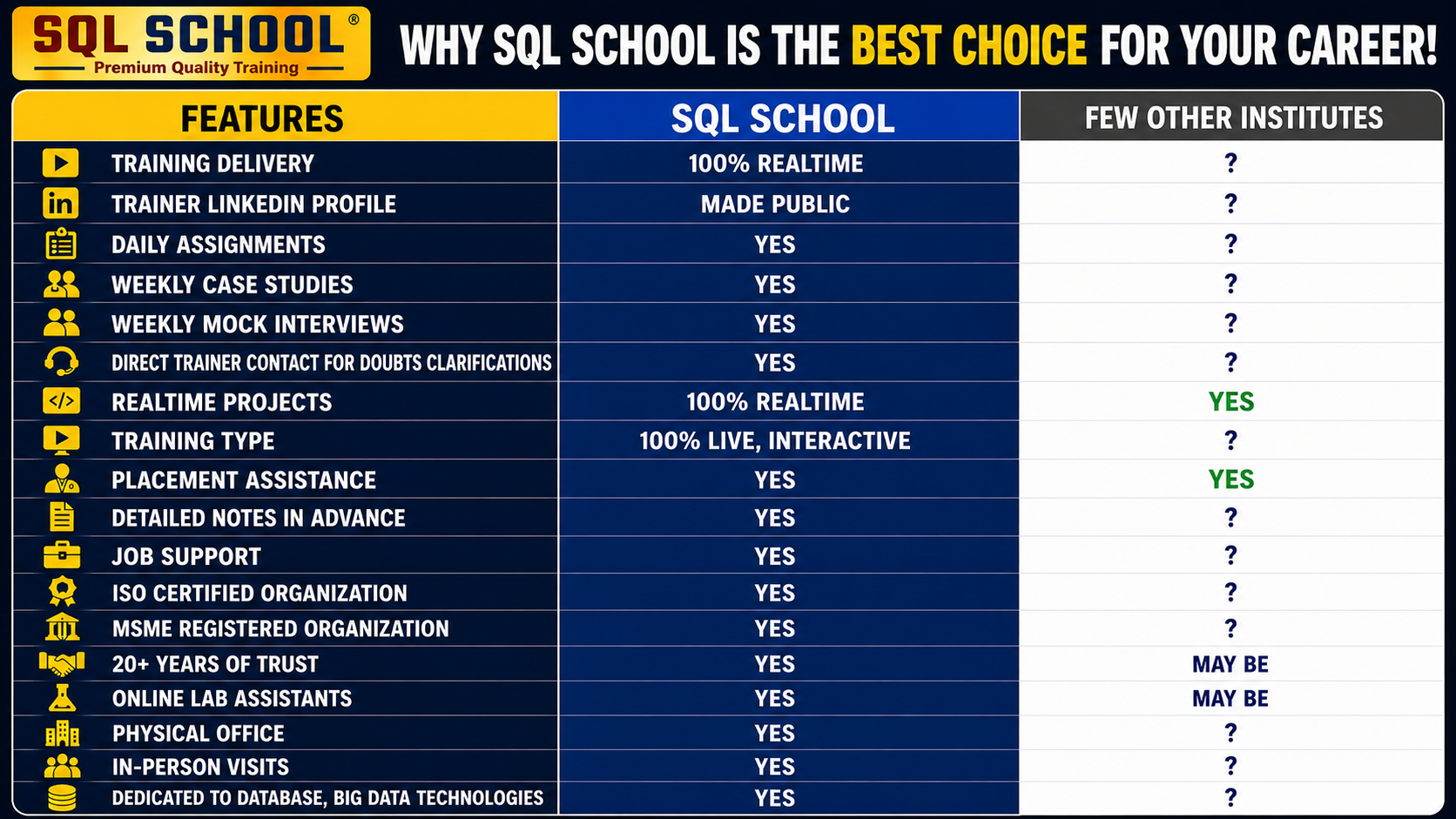
Why Choose SQL School
- 100% Real-Time and Practical
- ISO 9001:2008 Certified
- Weekly Mock Interviews
- 24/7 LIVE Server Access
- Realtime Project FAQs
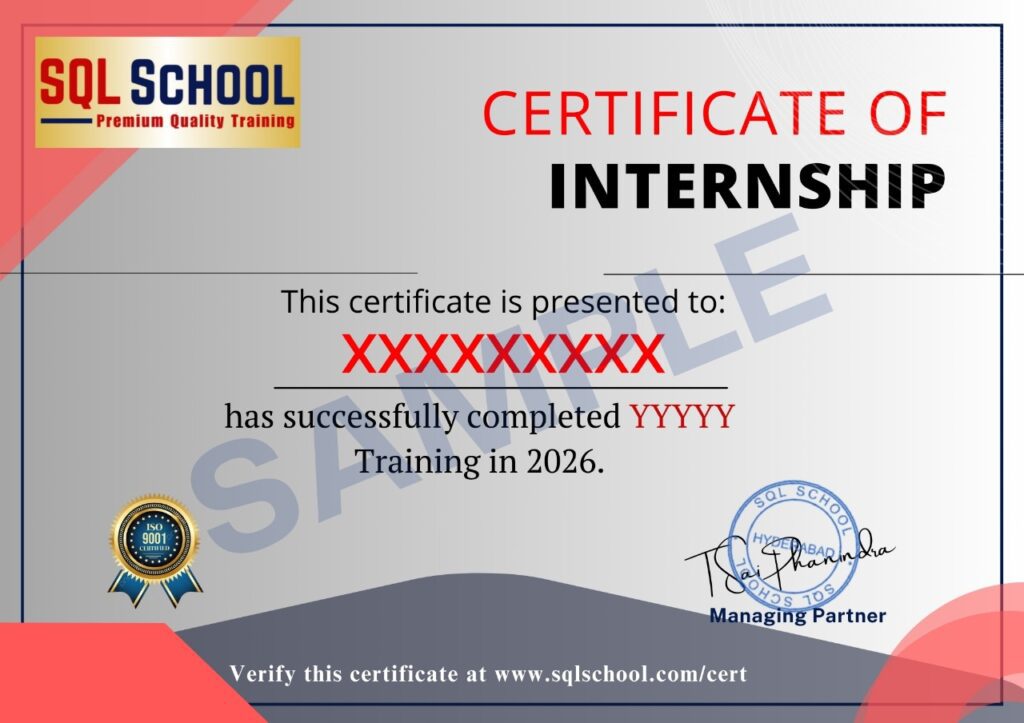
- Course Completion Certificate
- Placement Assistance
- Job Support